Share your project as template
You can create a template link for your projects. In practice, users can modify, personalize, and share your project while your original project remains unchanged.
Create a Template Link
Go to your list of projects.
Hover over the project, click ···, then Template…
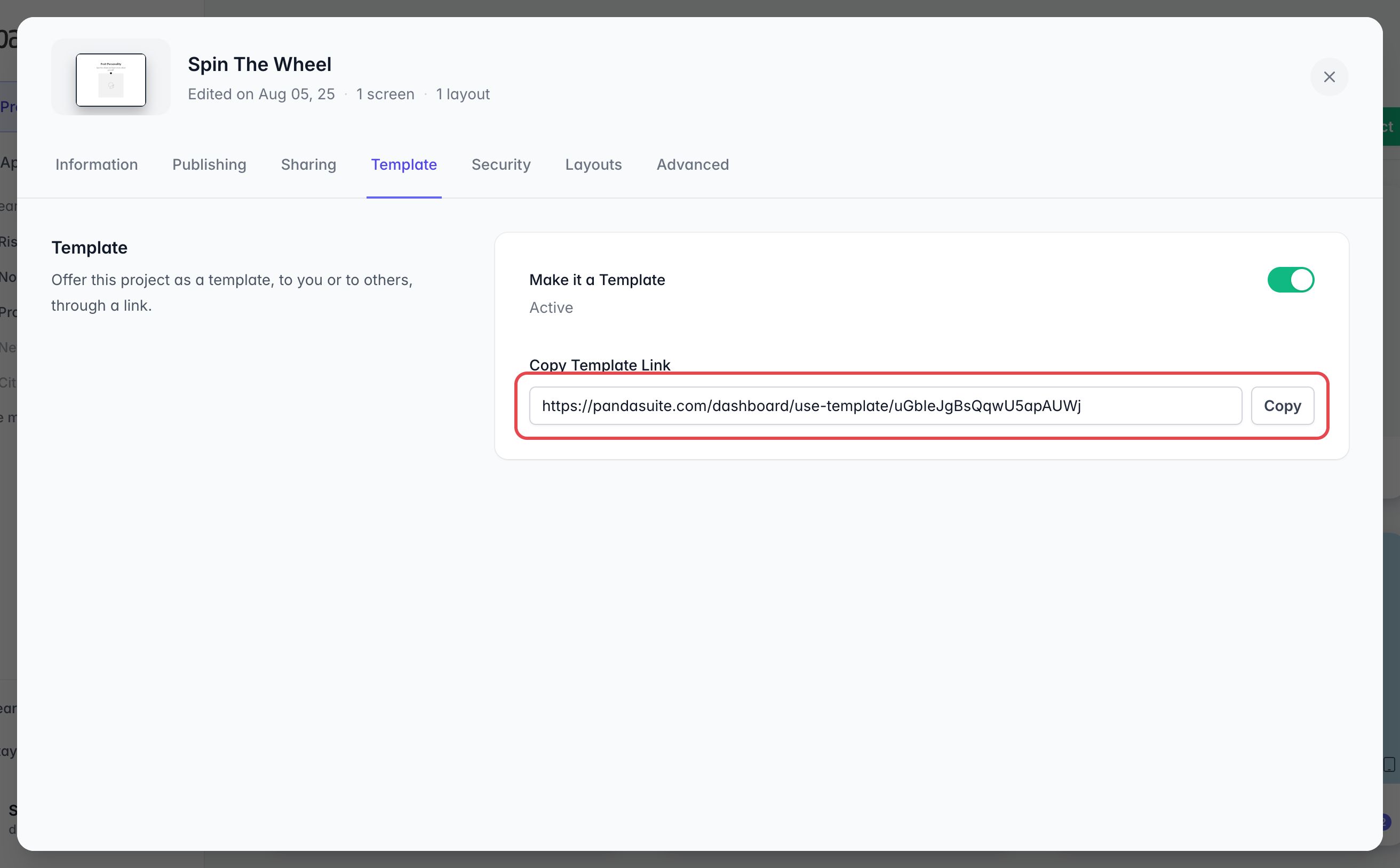
Turn on Make it a Template: the template link appears. Click Copy to copy it.
If you archive the project, its template link stops working as long as the project stays archived. The project remains a template: the link works again as soon as you restore it. Deleting the project breaks the link for good. Before you turn off Make it a Template, archive or delete a template, the dashboard warns you that its link will stop working for everyone who has it.
Open a Template Link
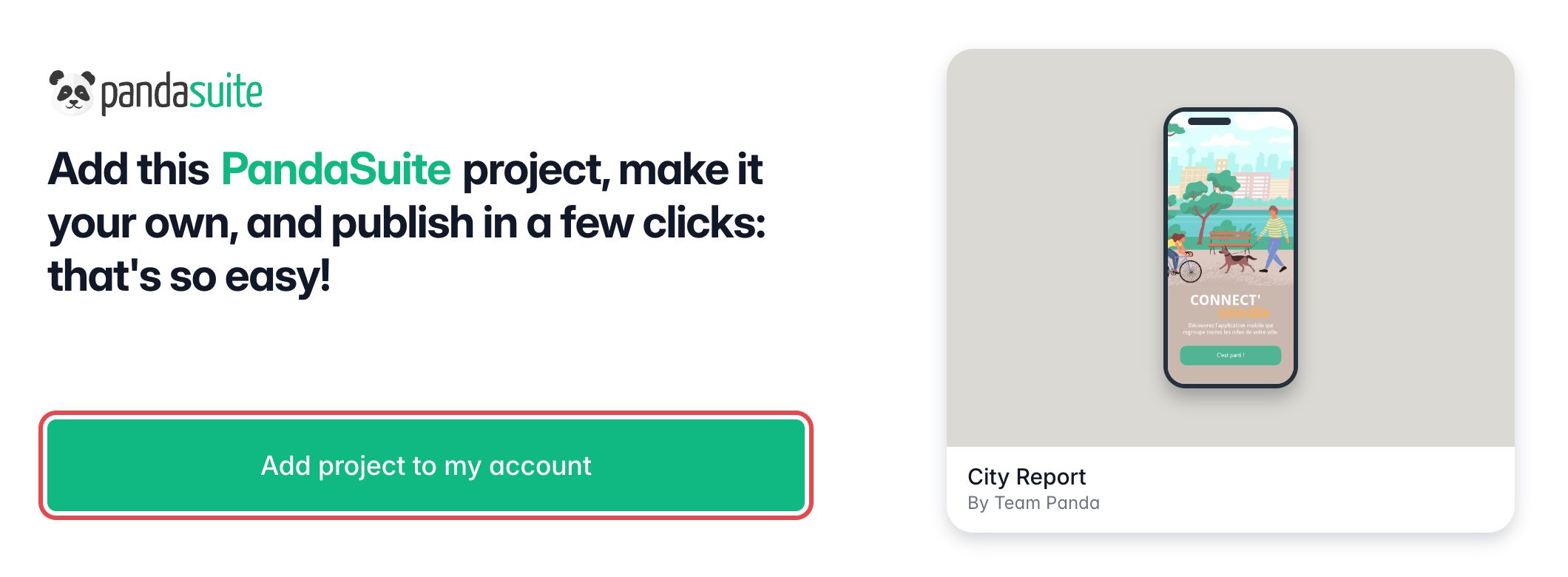
When clicking on the template link, a page opens showing the project name, the creator, and a preview.
Click on Add project to my account to add an exact copy of this project to your account.