
Transfer or delete an app
You can hand over an app to another PandaSuite account, for example to a client at the end of a project, or delete an app you no longer use. Both actions are in the Danger Zone of the app settings.
Open the Danger Zone
- On your app page, click Settings. The Display tab opens.
- Scroll down to the Danger Zone.
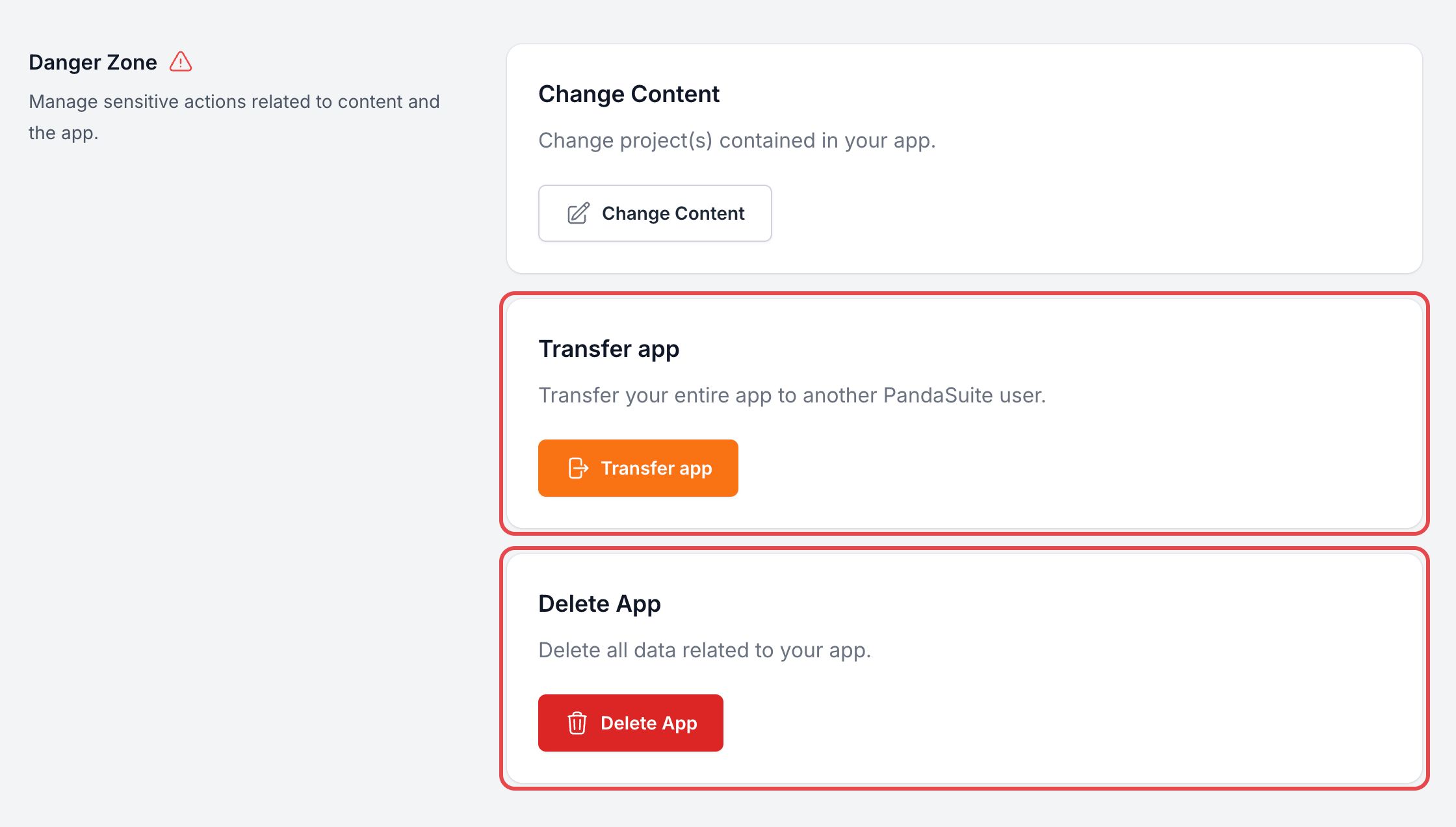
The Change Content card of the same section replaces the projects of the app: read Update your application.
Transfer an app
The new owner needs a PandaSuite account.
- In the Danger Zone, click Transfer app.
- In Enter an email, type the email address of the PandaSuite account that receives the app.
- Click Yes, I transfer it!
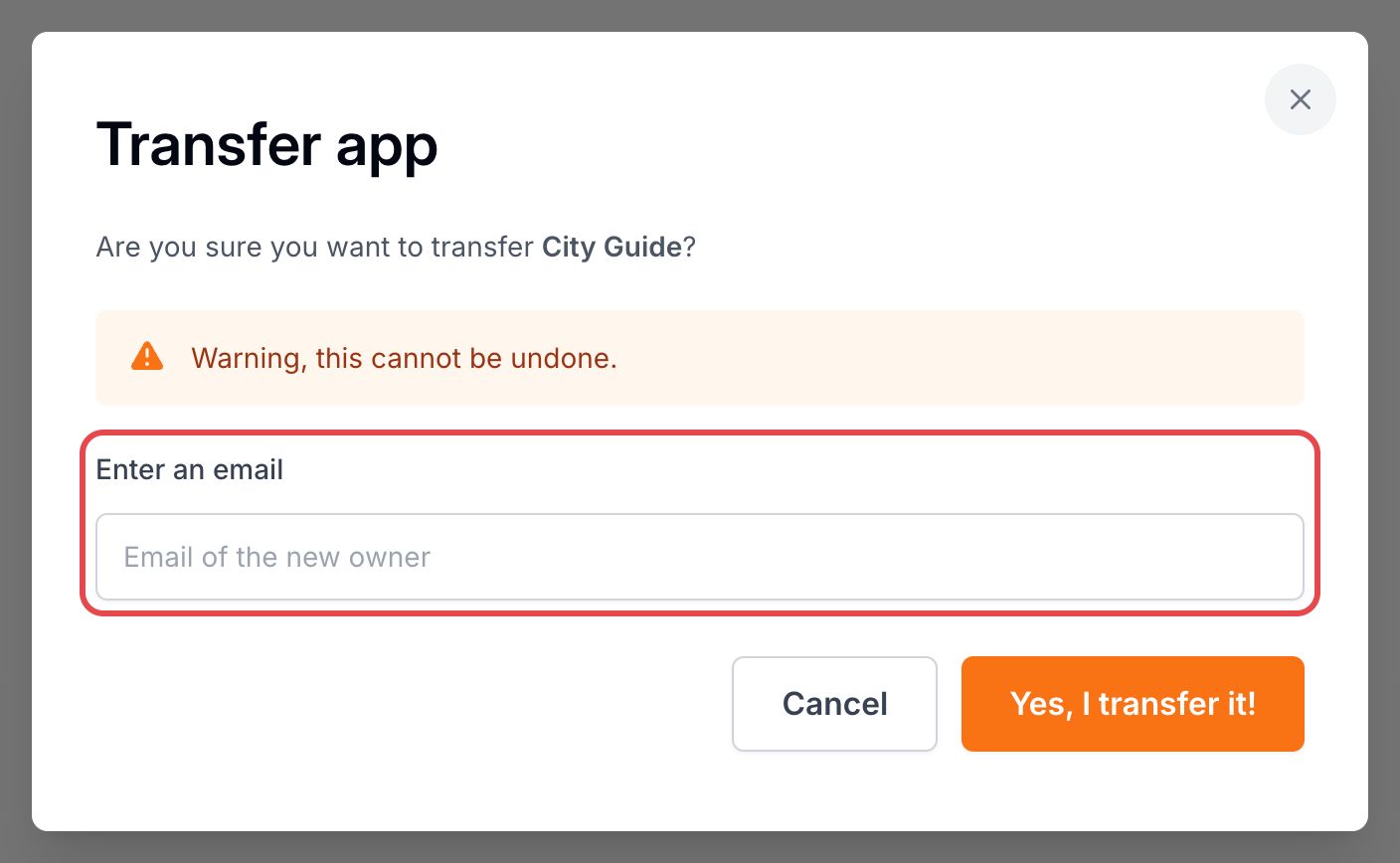
The app leaves your Apps list right away. Its projects and their data move with it to the new account: they leave your Projects list. The new owner receives an email with a link to the app. The transfer cannot be undone.
The transfer is refused when:
- the address is your own, or no PandaSuite account uses it;
- a project of the app is also published in another app: remove it from one of the two apps first;
- the app is financed by an organization license: release the license first.
To hand over a single project rather than an app, read Transfer your project.
Delete an app
- In the Danger Zone, click Delete App.
- Click Yes, I delete it!
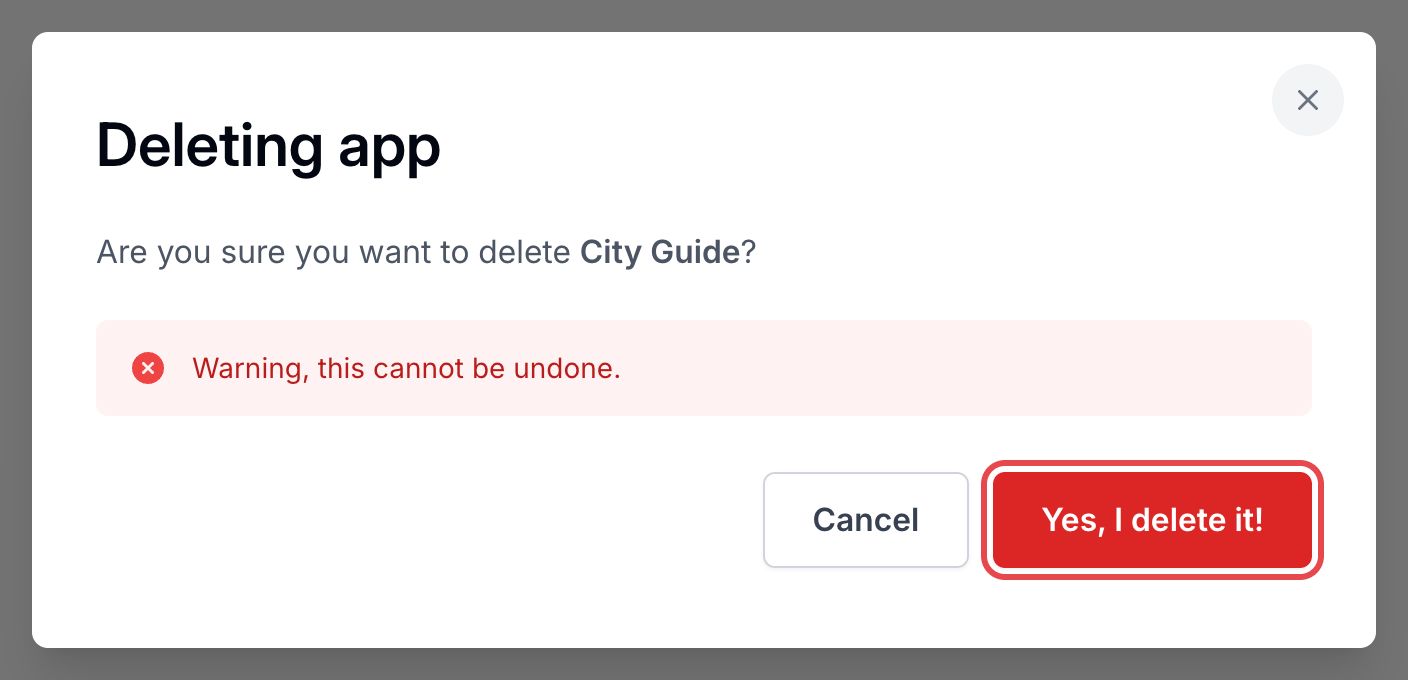
The app leaves your Apps list and its access links stop working. PandaSuite deletes the app permanently after 30 days. Your projects are not deleted: they stay in Projects.
You cannot delete an app that has an active subscription: cancel the subscription first. For an app paid with a one-time payment, the window shows until when you can still use its features.