

Create your app on Google Play Console
Google Play Console is the interface to publish and manage your applications on Google Play.
You need a Google Play Developer account to publish your application: Create a Google Play Developer account.
Here is the procedure to create and submit your application on Google Play Console:
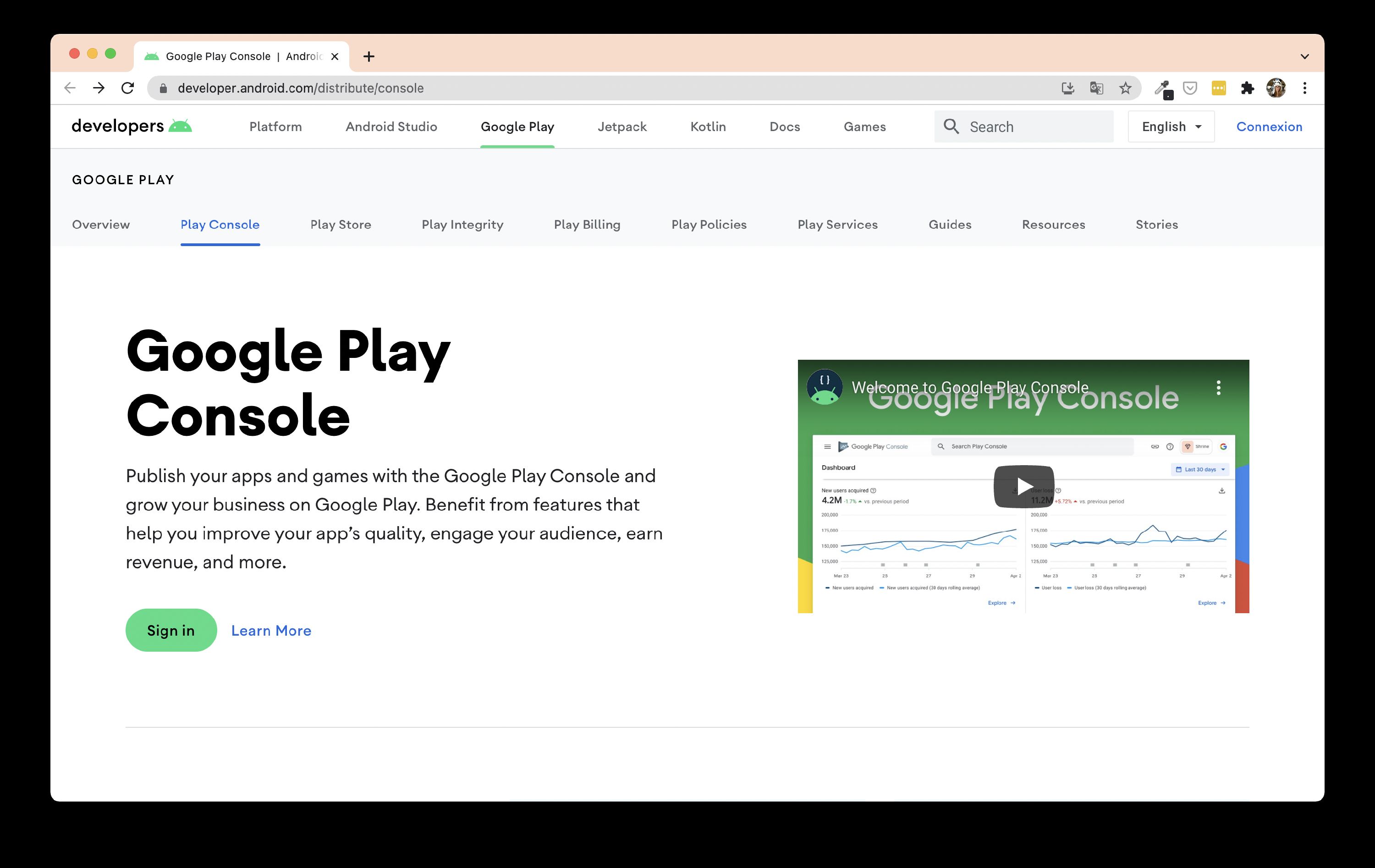
Go to Google Play Console. Log in with your developer account.
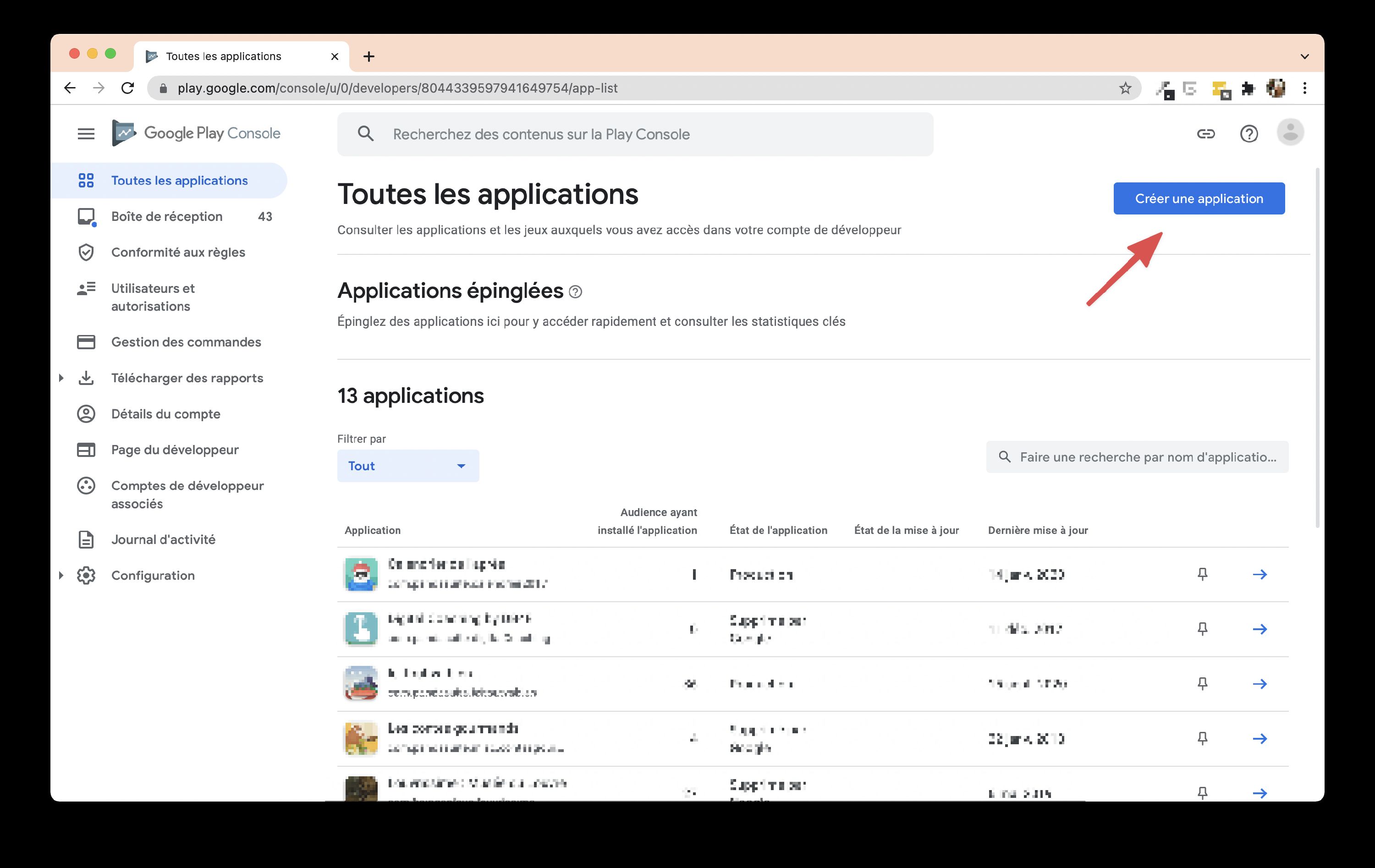
Go to the All Applications window and click on Create Application.
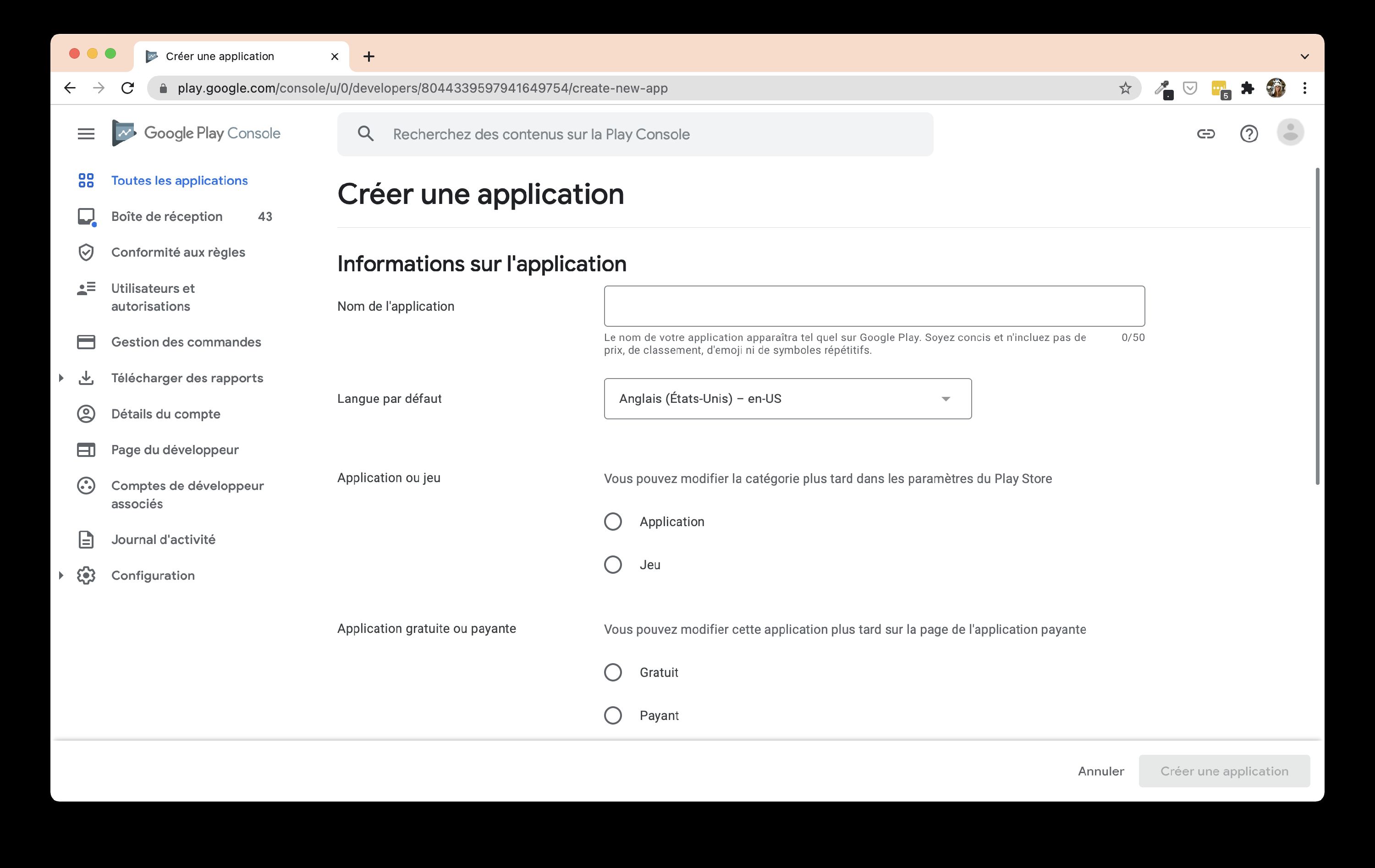
Define its name and language and specify the type of applications.
Discover the back-office of your application.
Go to Production in the left menu and click on Create a release.
In the App bundle section, click on Import and select your AAB file (see Export an APK / AAB file). Fill in the required fields. Remember to save at the bottom of the page.
Google Play Console can display warnings after the AAB upload, even when the file is valid. If you can still save the release and continue to review, the message is usually informational rather than blocking. For common examples, see Export an APK / AAB file.
In the left menu, click Store presence > Main store listing.
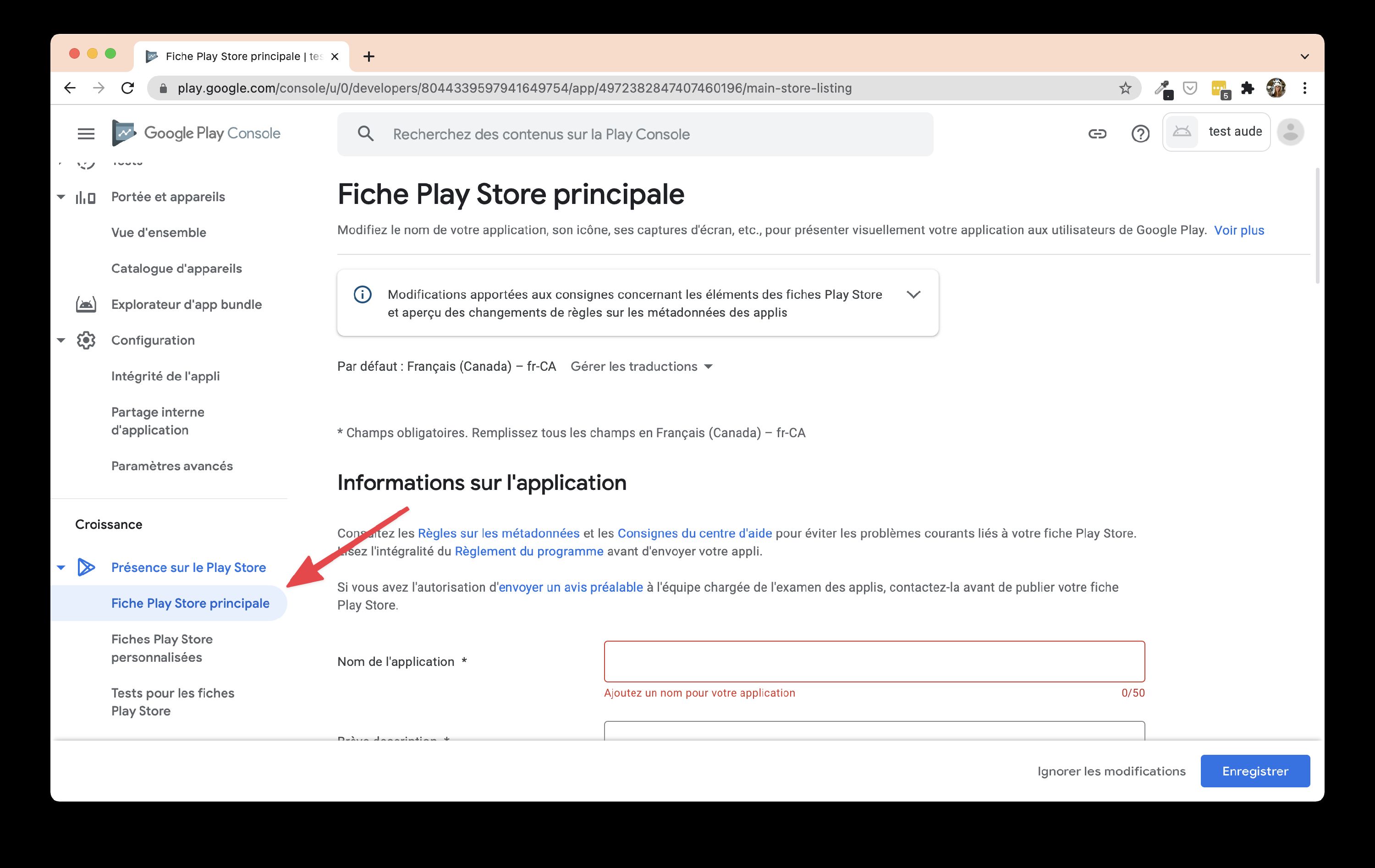
This is where you choose your shot, descriptions, preview images, category … Fill in this part carefully. At the end of this page, in Privacy Policy, enter the address of your app’s privacy policy: Google Play requires one, and it must describe how your app handles personal data. Google lists everything it must contain in its User Data policy. PandaSuite’s website does not stand in for it. The address must lead to a public web page, reachable from every country and not editable by visitors (no PDF). The app itself must also show this policy or link to it, for example from a menu or a settings screen. Click on Save. Click on the Content rating tab in the left menu.
You will be taken to a questionnaire. Fill in the required fields. Once you have filled in the questionnaire, click on Pricing & distribution in the menu on the left.
Again, fill in the required fields. Then return to App releases at the top of the left-hand menu. Click on Edit release to close the submission. Click on Review at the bottom of the page. Confirm your submission.
Your application is now sent to Google who will validate it. If all goes well, you will be online on the store a few hours later.