Add RSS feed
≈ 600 tokens, Approximate size of this page for an AI assistant
You can insert RSS feeds to your application to automatically add articles, podcasts, videos from an external source (Wordpress, Twitter…).
Create your RSS widget using an external plugin and embed it in your app using the Web component.
For this example, we selected Feedwind (free).
Create your rss widget
Go to https://feed.mikle.com/ and create a free account.

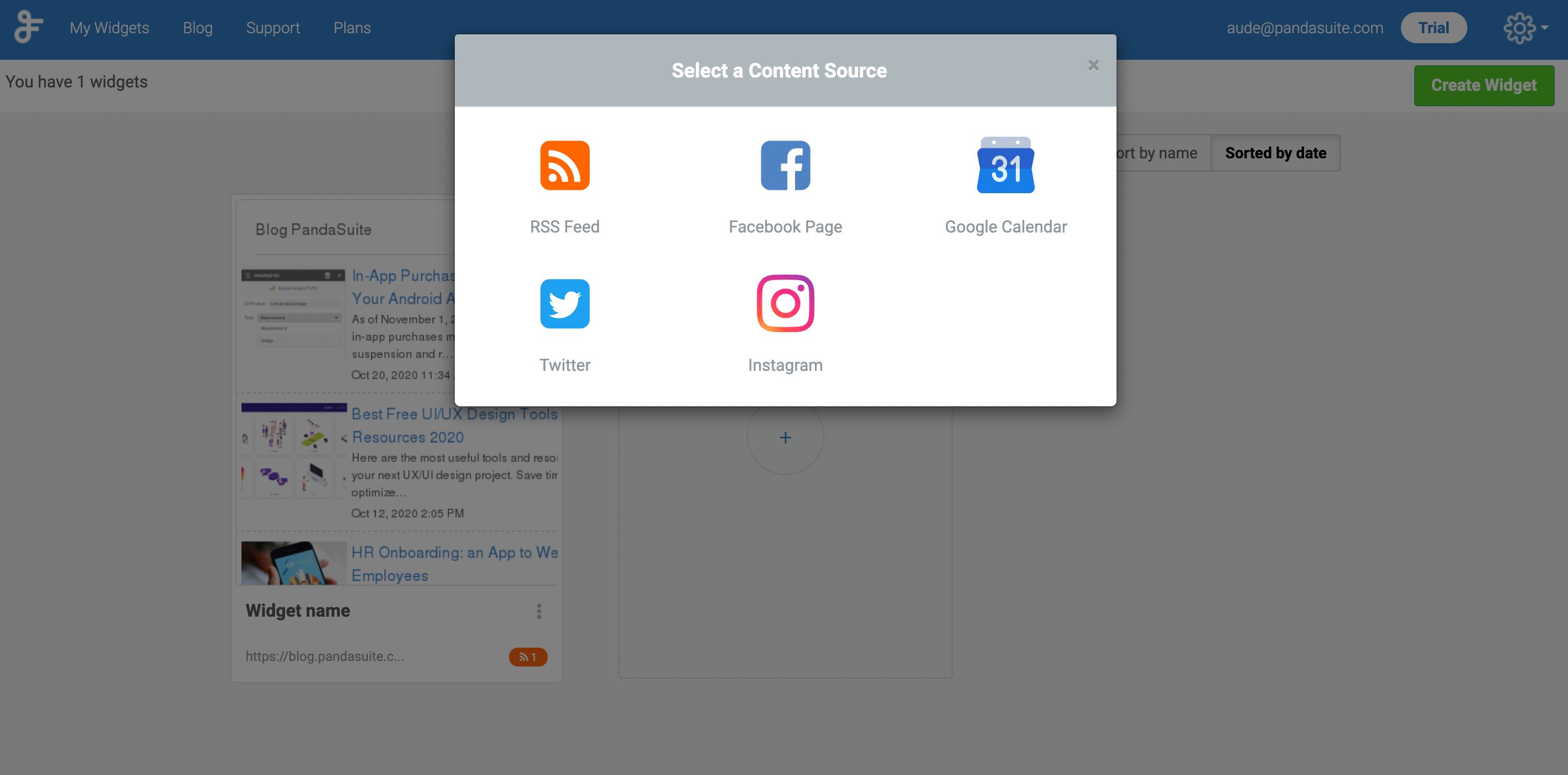
Select content source: RSS Feed.
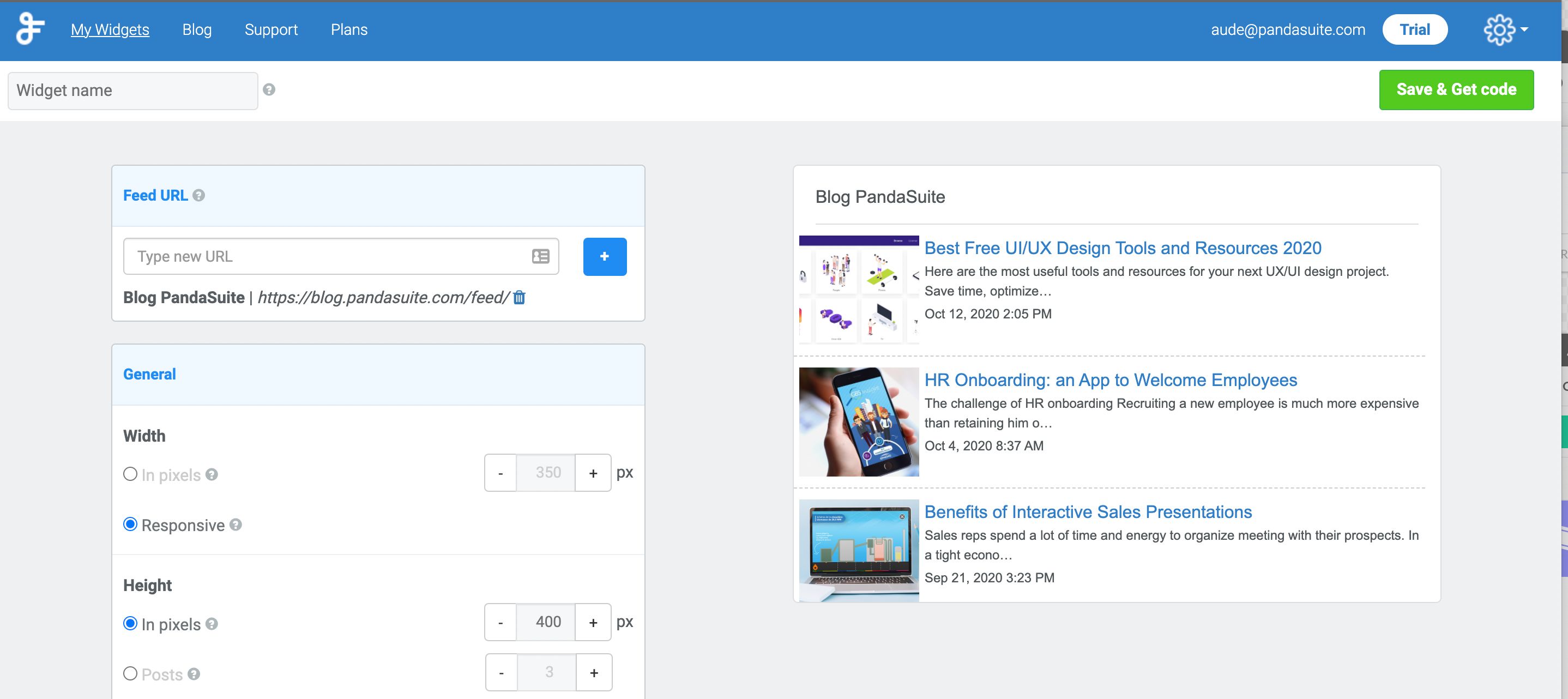
Add Feed URL and customize the general appearance of your widget.
Tip: if you have a Wordpress website, the Feed URL is https://mywordpresswebsite/feed/
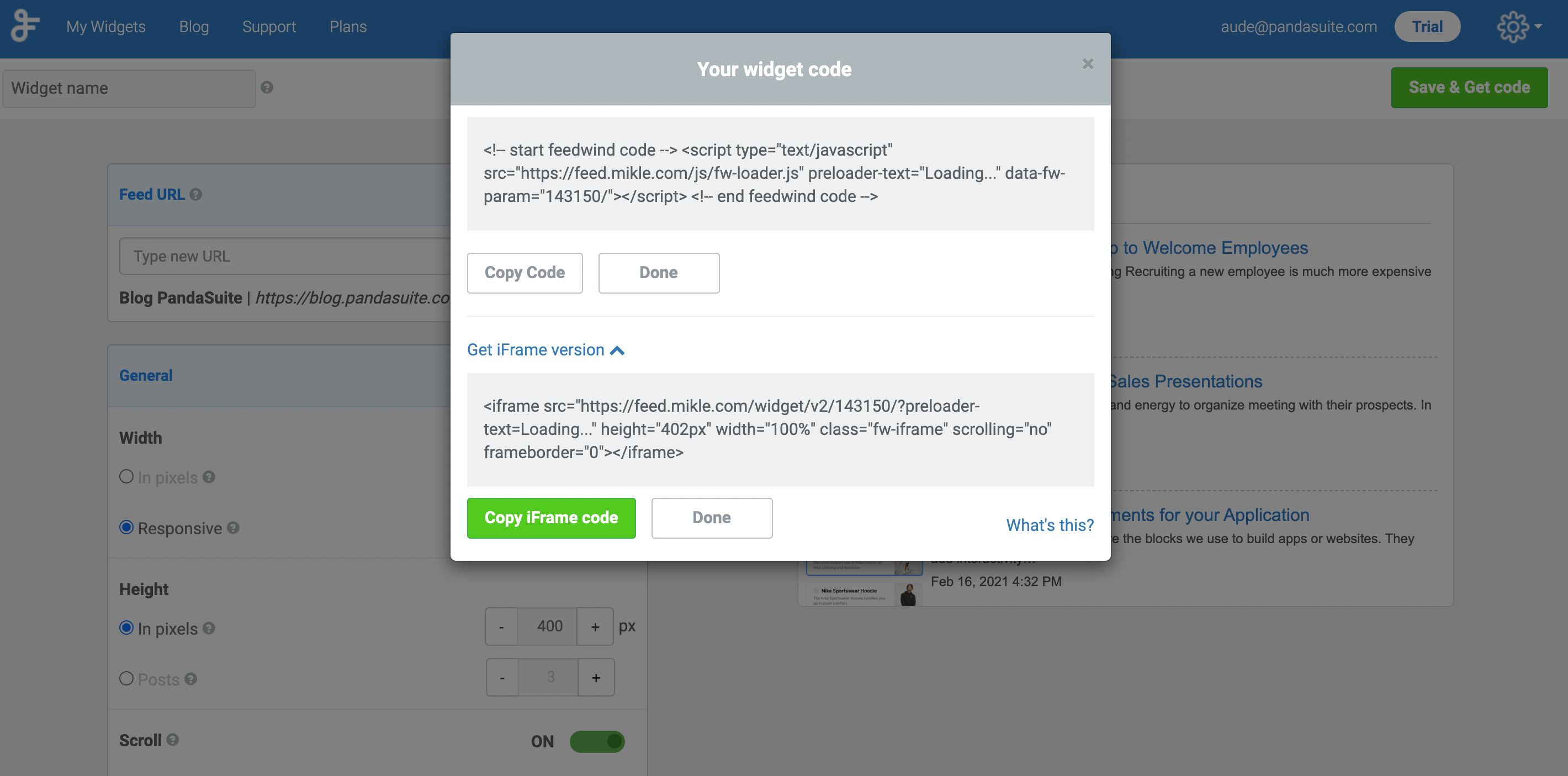
Click Save & Get Code. You can use the Widget code or the iFrame version:
- Widget code: open an editor, copy-paste the code into a new document, save and add a name. Compress this document into a Zip file.
- iFrame: copy the URL only (https://feed.mike.com/widget/v2/143150/?preloader-text=Loading…)
Embed rss widget in your app
Add Web component in your app.
In the Properties, if you have chosen:
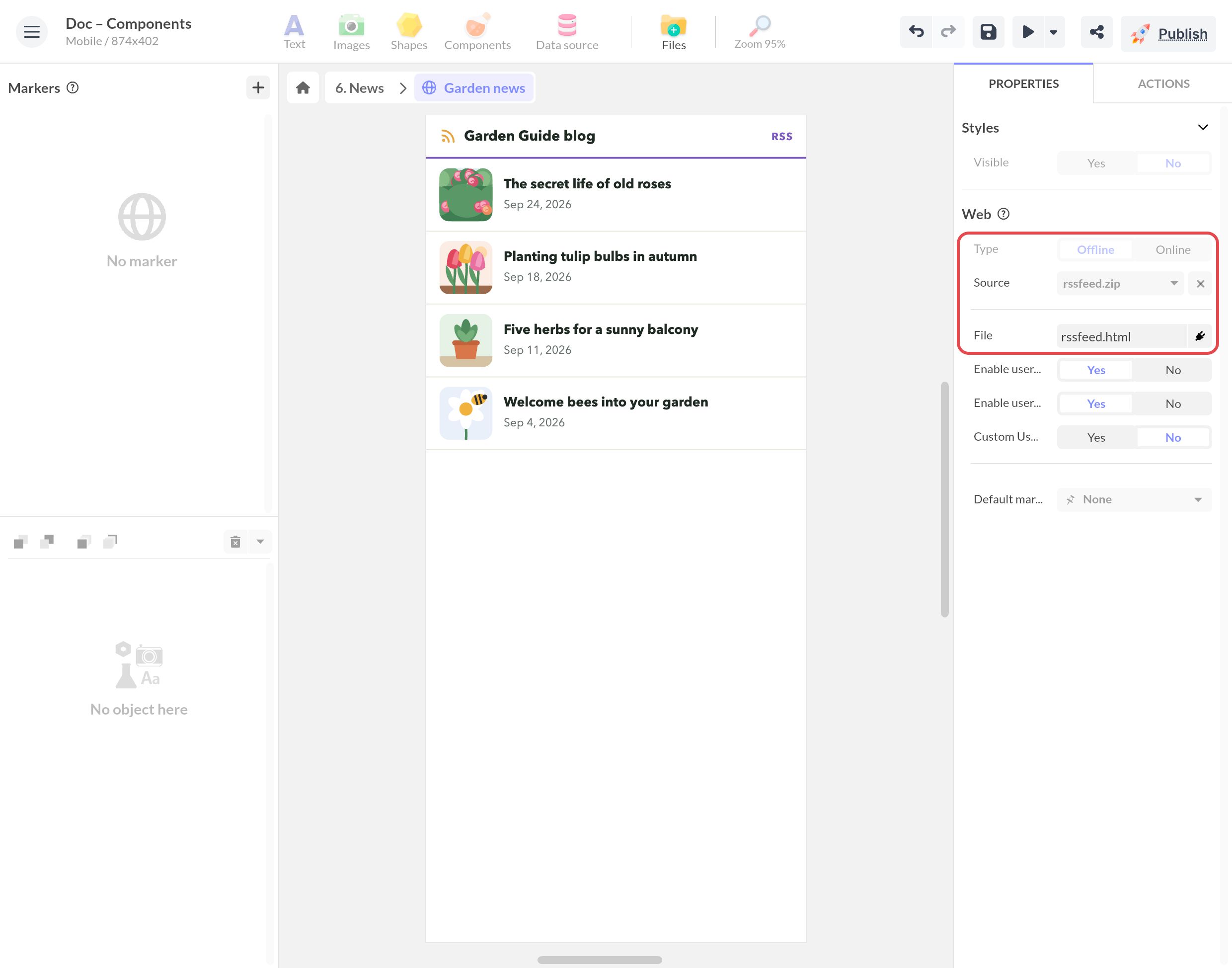
- Widget code: select Offline, choose the ZIP file in Source (the + of the list imports it) and enter the document name in File.
- iFrame: select Online and paste the URL