

Create your PandaSuite account
Create an account for free, without time limit and without a credit card to explore the PandaSuite Studio editor and create your first project.
Create An Account
Here are the steps to create a free account:
- Open your web browser and go to https://pandasuite.com
- Click Create Free Account in the navigation menu, or Create free account on the homepage.

- Fill in the Create your free account form with your first name, last name, Professional email and password (at least 8 characters), then click Here we go!

- By signing up, you accept the Terms and Conditions and the Privacy Policy: read them from the links under the button.
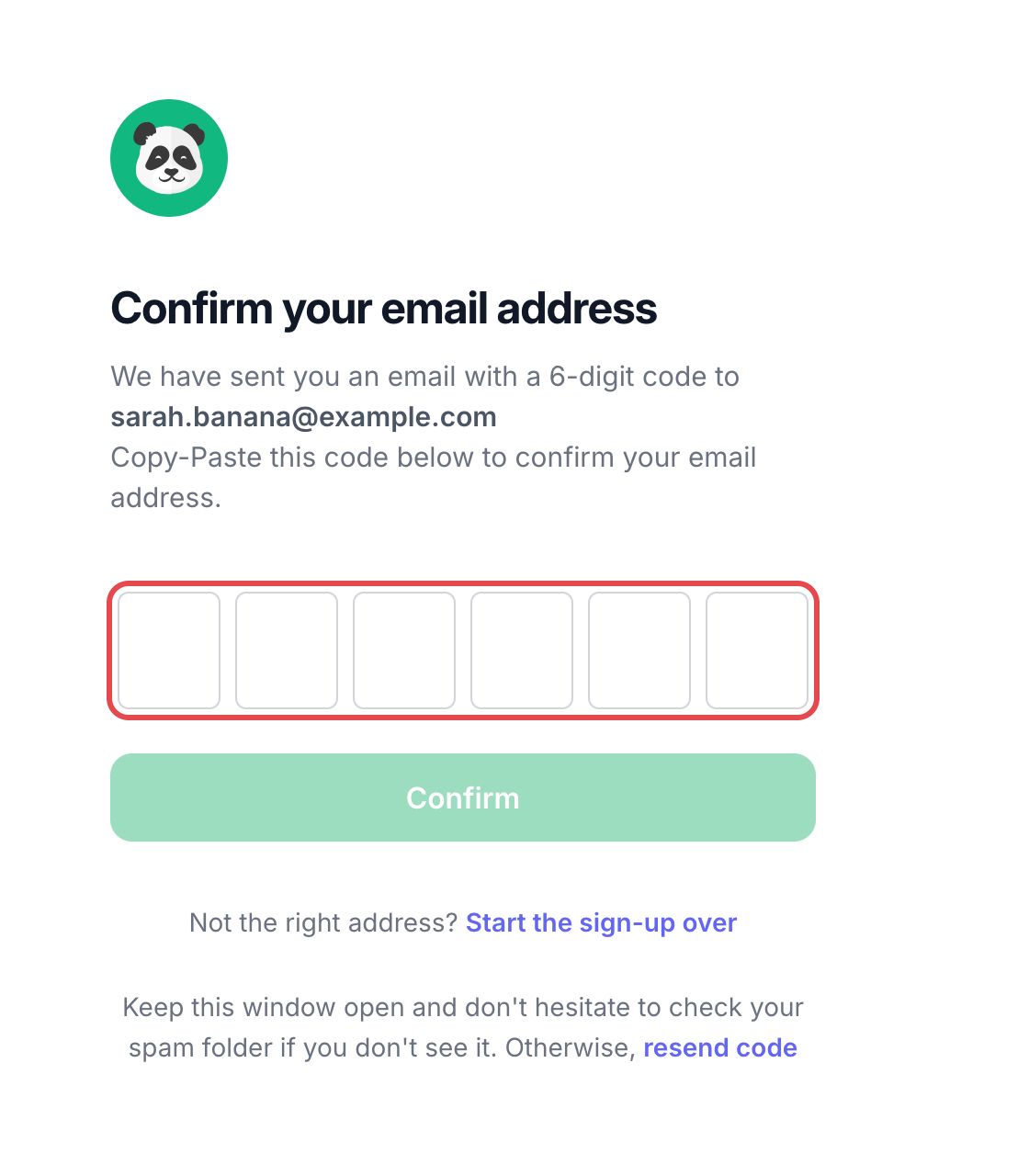
- Verify your email address: you will receive an email with a 6-digit code, also shown in its subject. Enter it on the Confirm your email address page to activate your account. The link in the email does not confirm the account: it only opens that page again if you closed it. If you do not receive the email, check your spam or junk mail folder, or click resend code. An account that is never confirmed is deleted 30 days after sign-up: you can then sign up again with the same address.
- Answer the question Who do you want to use PandaSuite for? Depending on your answer, a few more questions may follow: you can skip them with Later.
On a phone or a tablet, the sign-up page shows PandaSuite Studio opens on a computer instead of the form: the Studio installs only on Mac, Windows, or Linux. Tap Send myself the link or Copy link to continue on your computer.
If the form shows The security check could not complete, your browser could not run the security check. Try a private window or another browser, without extensions or VPN, or another network, then click Retry. If it shows The security check is taking longer than usual, wait a few seconds and try again.
Congratulations! You have successfully created your PandaSuite account and completed the registration process. You are automatically redirected to the PandaSuite dashboard. The next step is to install PandaSuite Studio on your computer.