
Standalone DMG for offline installation
Get a standalone DMG file that can be installed 100% offline, which is especially useful for Macs disconnected from the network.
When generating the DMG, you can activate the Asset management (offline) option. By including all assets, your application in DMG format can be installed without an internet connection.
As a reminder, macOS applications generated by PandaSuite can run without an internet connection once installed. This option specifically concerns the installation package and the embedded assets required for a fully offline deployment.
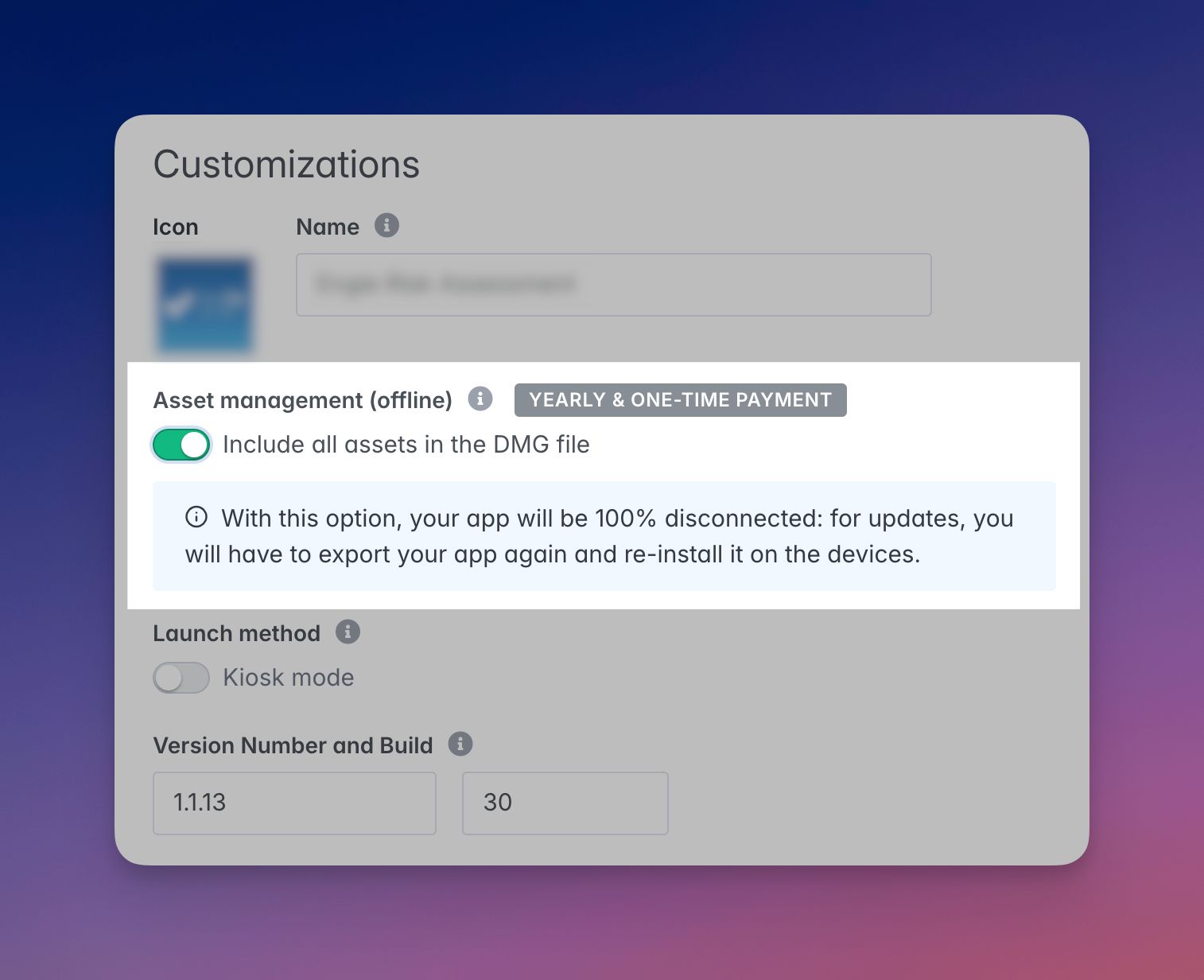
The Asset management (offline) option can significantly increase the size of your package and the time needed to download or distribute it.
When to use an offline DMG
Use a standalone DMG when your target Macs are:
- deployed in a disconnected environment;
- installed in an exhibition, showroom, museum, or training room with unstable connectivity;
- prepared in advance by an IT team before being used without network access.
How it changes the deployment workflow
With the offline option enabled:
- the installation package contains the required assets;
- the application can be deployed in environments where the network is unavailable or restricted;
- content updates are no longer immediate: you must export a new DMG and reinstall it on the target Macs.
Before large-scale rollout, validate the offline package on at least one Mac representative of the target environment.
Update an offline macOS deployment
To update an application installed from a standalone DMG:
- Export a new DMG from the PandaSuite dashboard.
- Redistribute the new package to the target Macs.
- Reinstall the application on the devices concerned.
- Revalidate the main flows and any native permissions used by the project.