
Standalone EXE for offline installation
Get a standalone EXE file that can be installed 100% offline, which is especially useful for devices disconnected from the network.
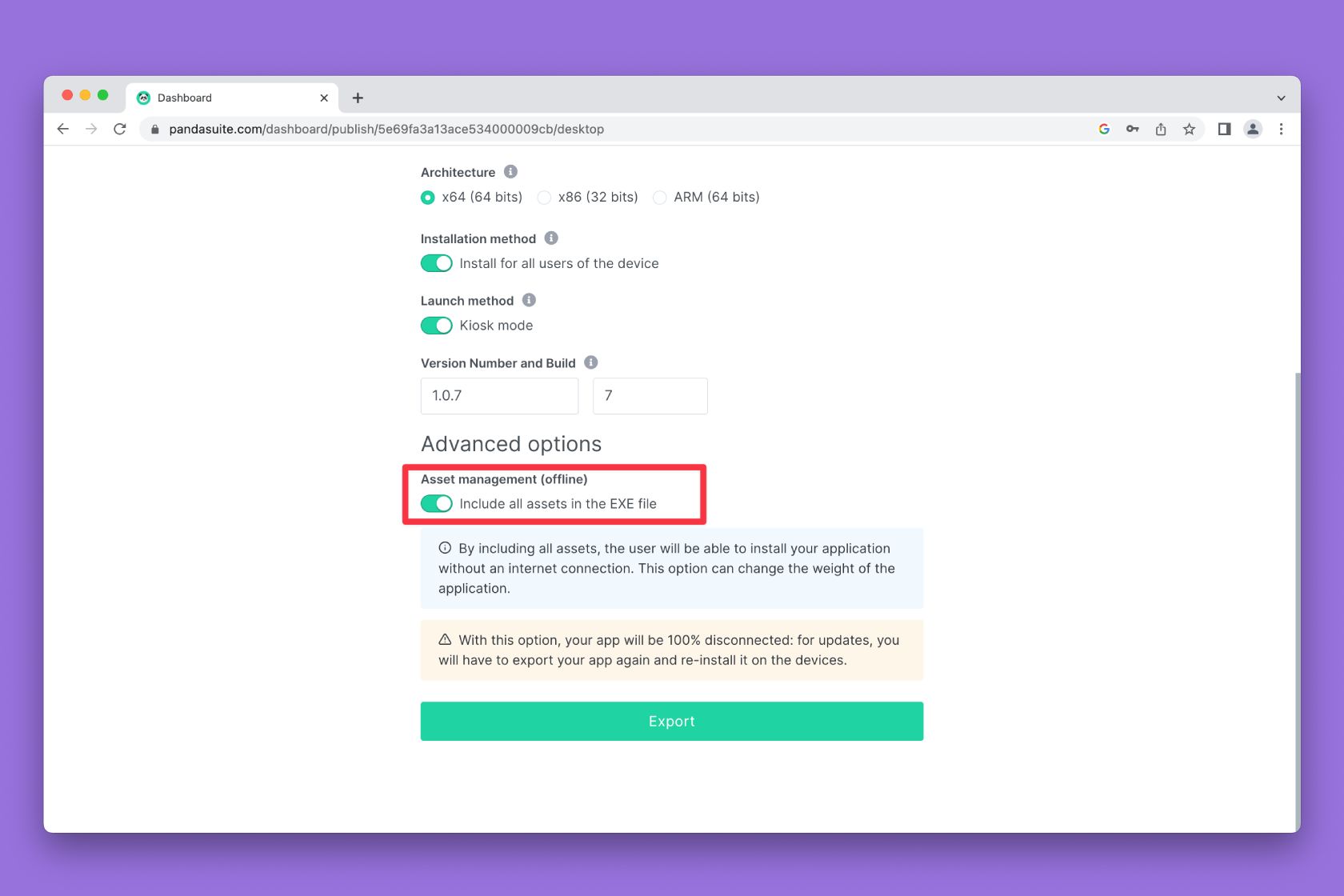
When generating the EXE, you have the option to activate the Asset Management (offline) option. By including all assets, your application in EXE format can be installed without an internet connection. As a reminder, all EXE files work without an internet connection. This option concerns the installation of the EXE and not its use.
⚠️ Warning: The Asset Management option (offline) has a strong impact on the weight of your application.
Download the standalone package, extract the archive, then launch the
installer from the extracted folder. If you run the installer from inside the
ZIP file, Windows may show a misleading network error because the .7z
package is not accessible.
To update your application, you need to export a new EXE and reinstall it on the devices.
🐼 The Standalone EXE requires an annual Single subscription. Add your plan today.