

Magazine mode
The magazine mode makes it easy to navigate by swiping from right to left and left to right between screens. You automatically go to the next screen and the previous one.
This navigation is particularly appreciated for your digital publication projects (digital magazines, ebooks, interactive presentations…) because it reproduces your natural behavior when reading a printed publication.
The advantage is also that it introduces a fluid transition between screens. However, it is not possible to avoid a screen: all screens are automatically taken into account.
Here is an example with the Comexposium publication:
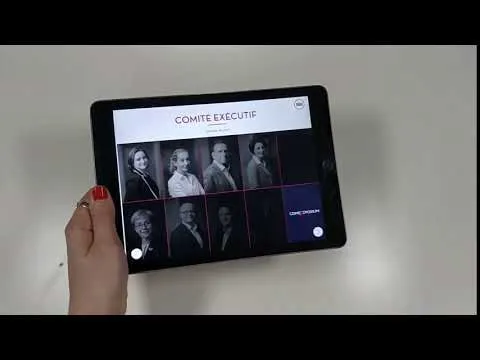
Playing this video loads the YouTube player (Google Ireland Ltd), which stores data on your device to run the player and measure viewing, as described in Google's privacy policy. You can also watch it on YouTube.
Activate the magazine navigation
Select the Project and go to the Properties window.
Check the Magazine Mode box and choose the number of fingers needed to trigger the action.
Show a page indicator
To help readers track their progress, add a page X / total indicator that updates automatically as they swipe between screens. See Display a page indicator.