Archive your project
Archiving is a great way to manage projects that no one needs to access anymore.
Once a project is archived, it leaves the active project list and can no longer be edited until you restore it. People who have the sharing link can no longer open it, its template link stops working, and it is no longer visible from the PandaSuite Viewer iOS & Android app. The apps that distribute it are unchanged: they keep serving the project to their users. An archived project is not deleted: you can restore it at any time.
Archive a project
Go to your dashboard. Hover over the project you want to archive, click ···, then Archive. Confirm in the window that opens.
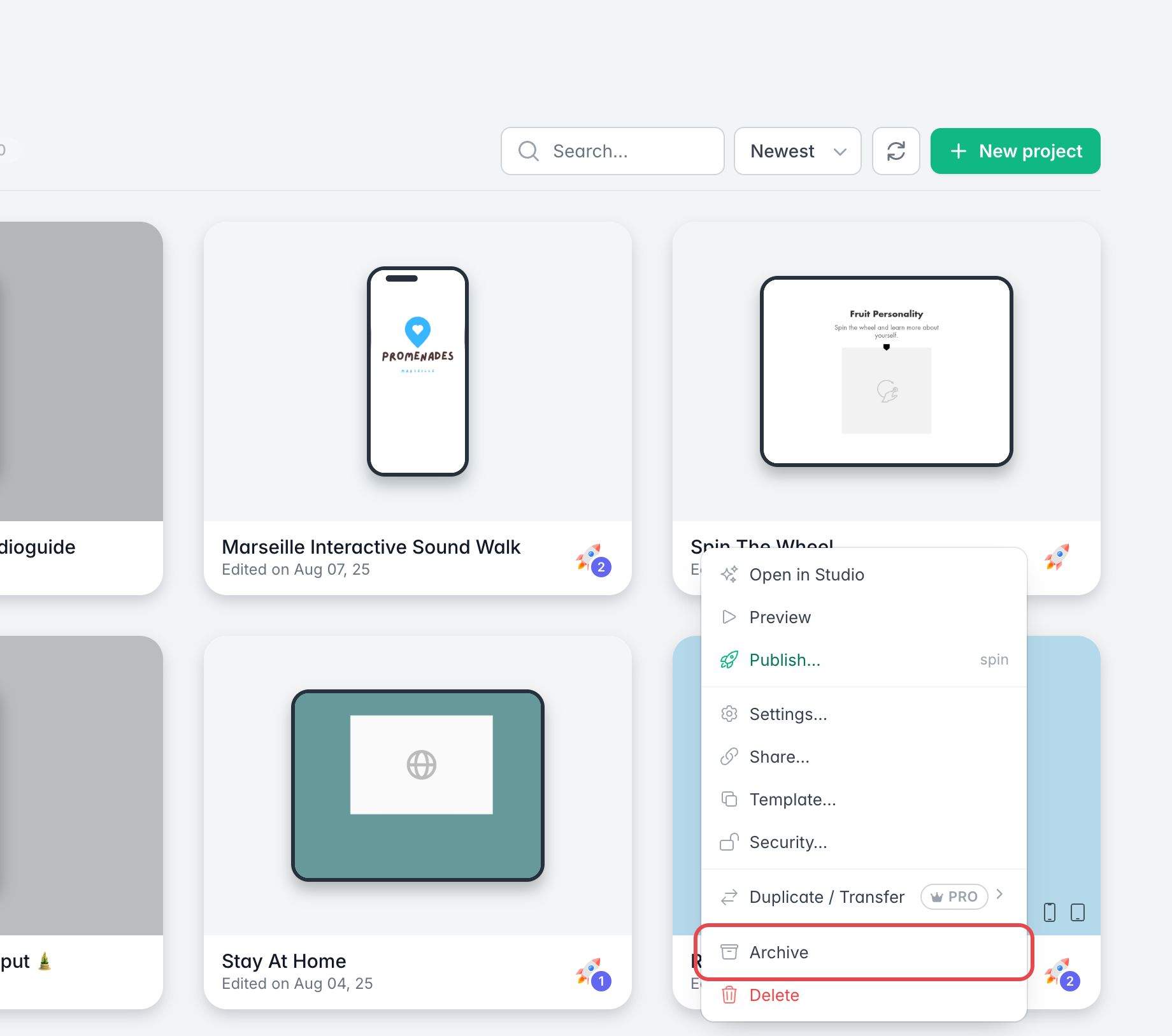
You can also archive it from the project settings: click ···, then Settings…, open the Advanced tab and, under Risk zone, click Archive the project.
Unarchive a project
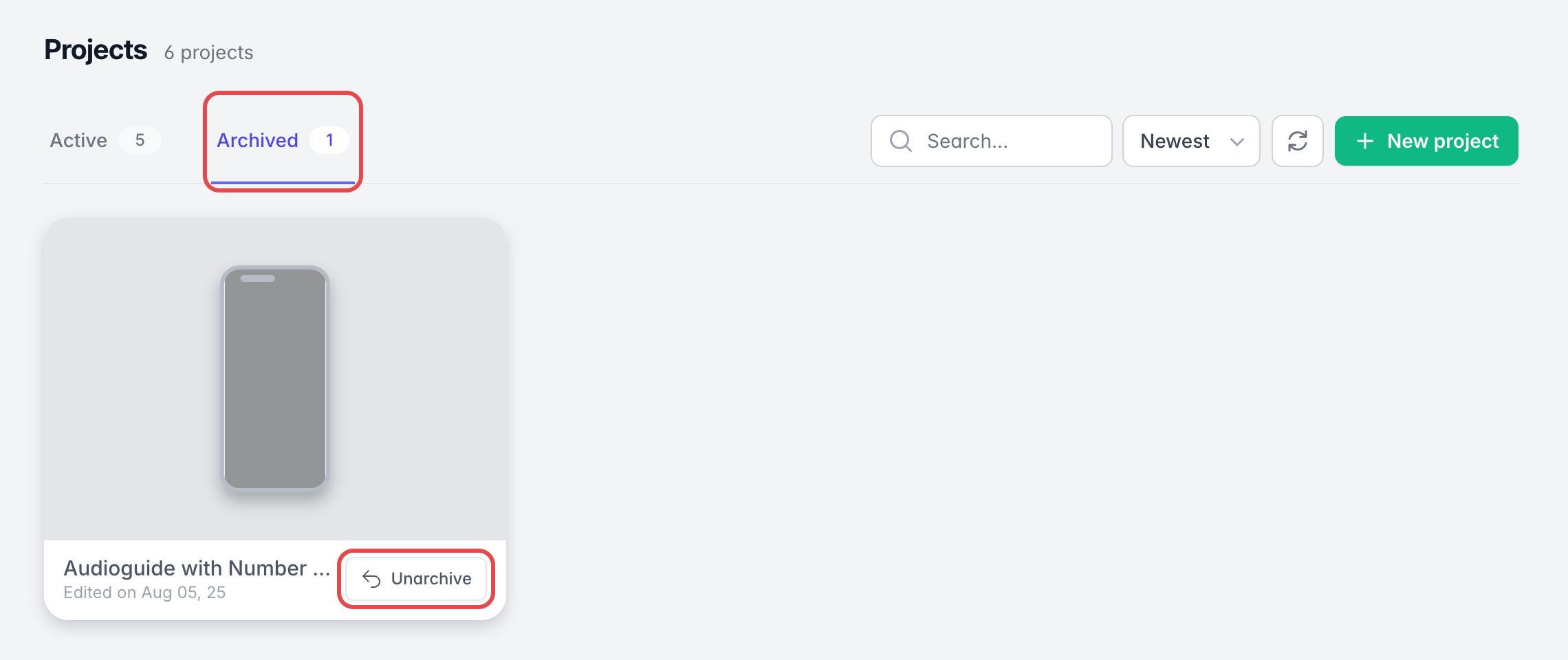
You can find your archived projects in the Archived tab of the project list.
Click Unarchive on a project to make it active again.