Set to fullscreen
≈ 400 tokens, Approximate size of this page for an AI assistant
With this action, you can switch the application (web app, PWA, desktop app) to full screen on the user’s device.
This action is particularly useful if you are creating a web app/PWA, or a desktop app for Windows, macOS, or Linux that opens in a window. Indeed, for this type of format, the application does not automatically open in full screen. The ‘Enter Full Screen / Exit Full Screen’ action allows you to address this. A desktop app exported with Full screen on Windows or Kiosk mode on macOS and Linux already opens in full screen, and this action does not take it out (see Kiosk Mode on Windows, macOS, or Linux).
Be careful, this action doesn’t work on web mobile.
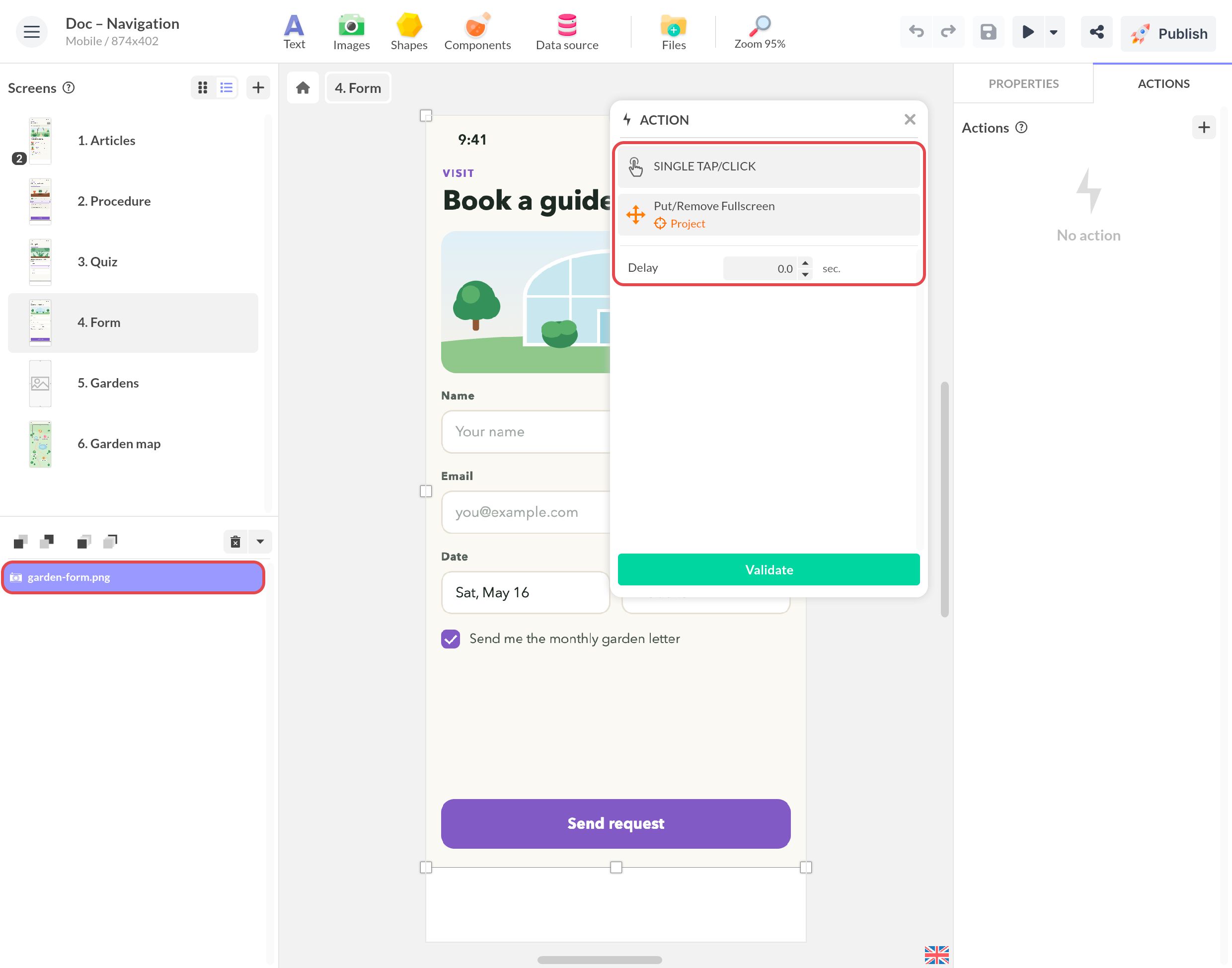
To set/remove full screen:
- Select the triggering event
- Add an action Interact with a component
- Click on the Project
- Select the action Put full screen / Remove full screen