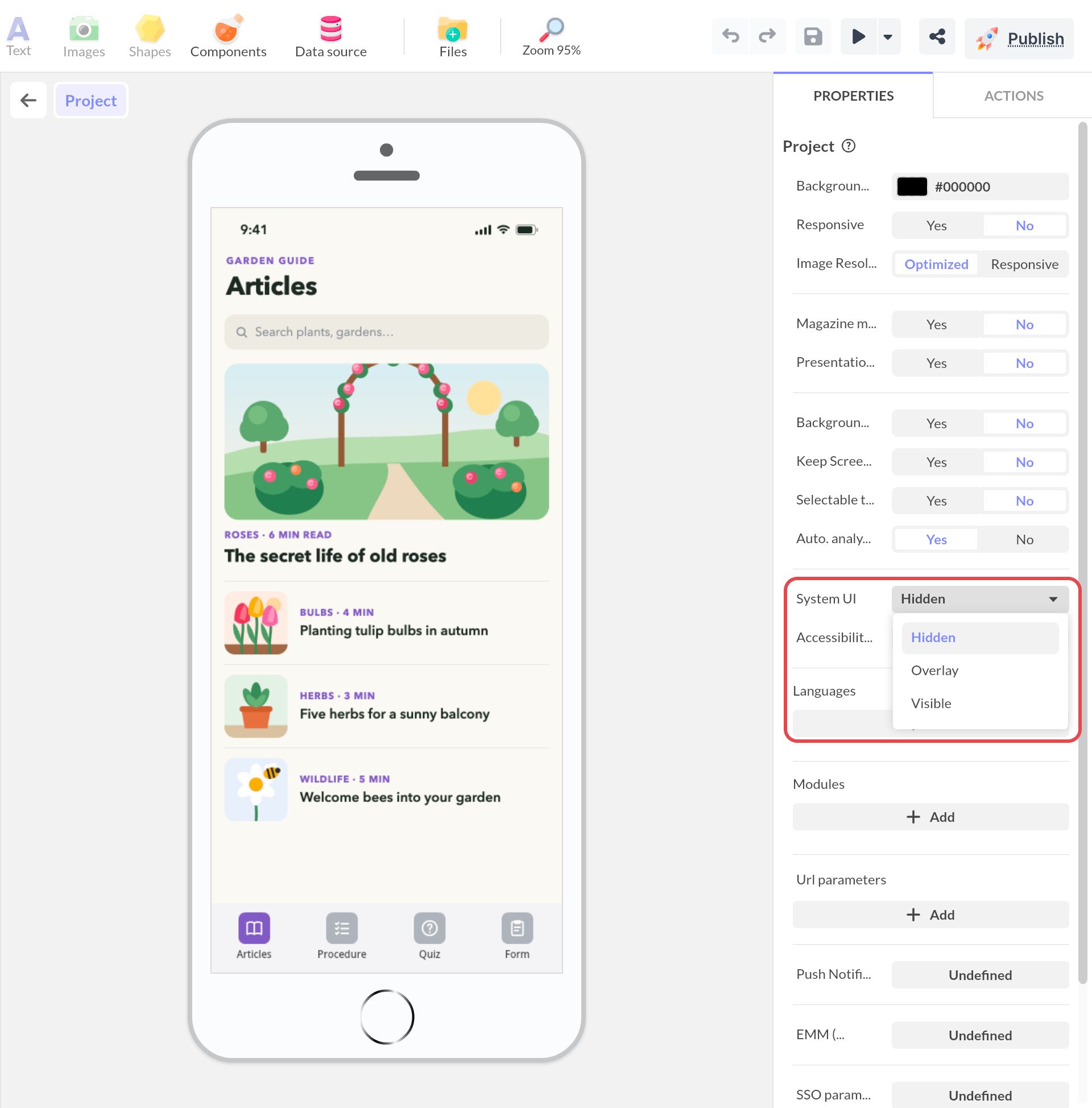
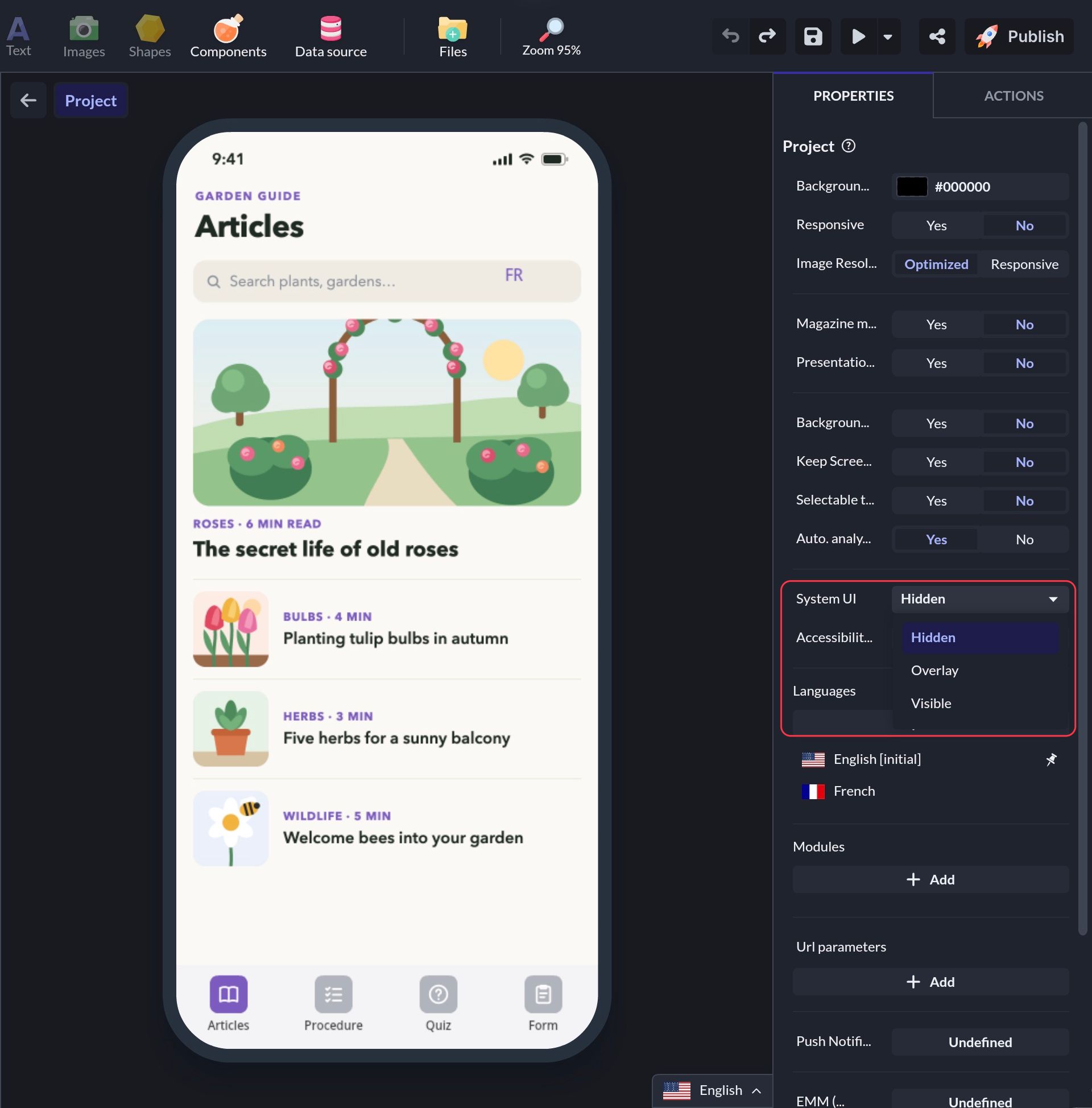
System bar visibility
≈ 400 tokens, Approximate size of this page for an AI assistant
System bars are screen areas dedicated to displaying notifications, communicating device status and navigating the device. You can choose whether or not to display these system bars when navigating your application.
iOS & Android UI System
On Android, there is the status bar and the navigation bar.


On iOS, there is only the status bar.

Control System UI Visibility In Your App
You have the possibility to display or not these system bars in your application. By default, these bars are not visible.
Click the home icon above the workspace to go to the Project level. In the Properties panel, the System UI setting has 3 options:
- Hidden (default)
- Overlay
- Visible