

PandaSuite Studio updates
PandaSuite Studio benefits from regular updates to add new features and improve the user experience. On average, the tool is updated 2 to 3 times a week. These updates allow you to stay at the forefront of technology.
This also includes bug fixes and optimizations, ensuring increased stability and reliability. Thanks to this evolutionary maintenance, PandaSuite offers a powerful and versatile tool, allowing you to create high-quality interactive and immersive experiences.
Find out the version number
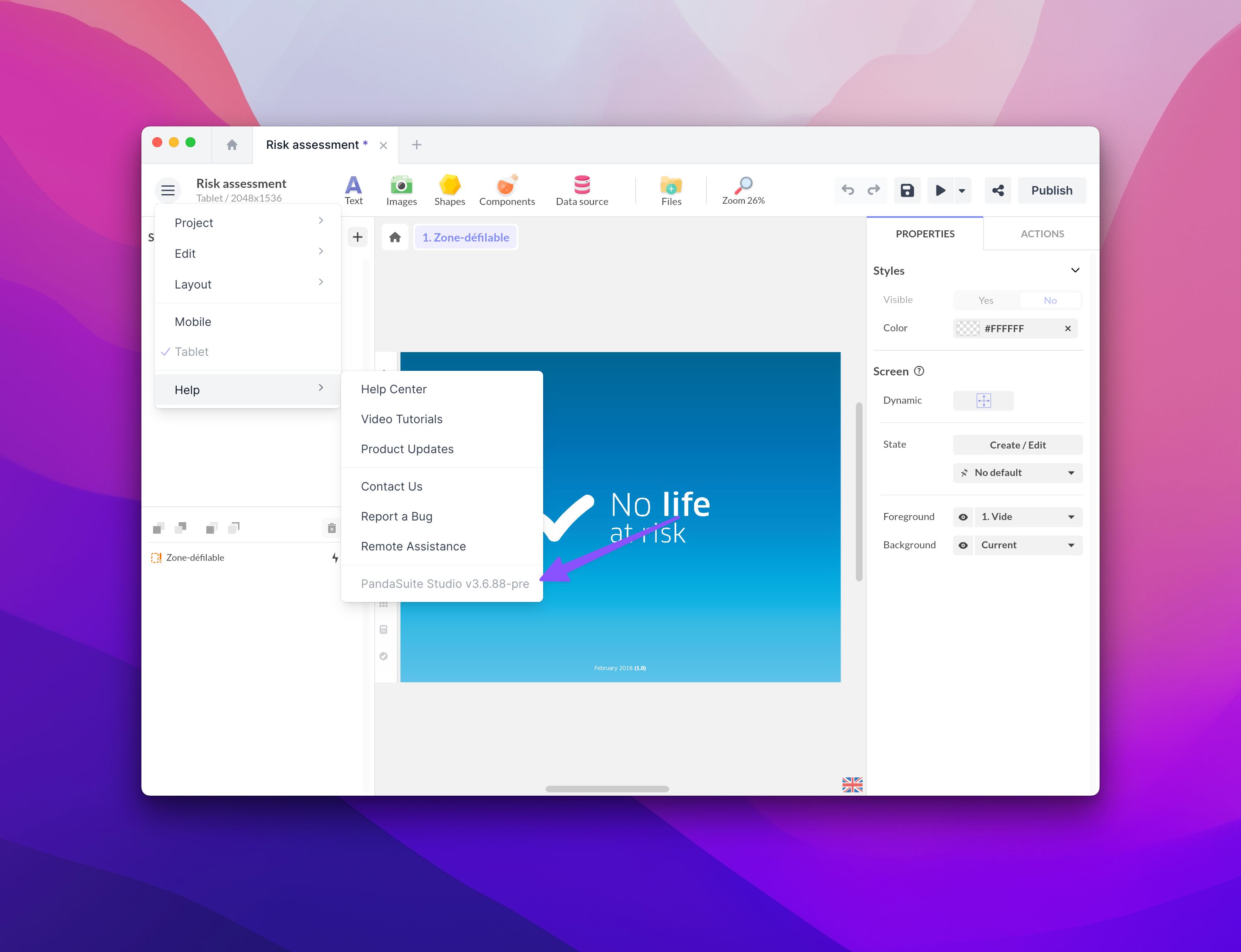
To find out the version number of PandaSuite, go to the project menu > Help. We recommend closing and reopening PandaSuite Studio regularly to benefit from the latest updates.
When an update is required
When your version of PandaSuite Studio is no longer supported, the Studio only shows the Update PandaSuite Studio screen, with the minimum version to install. Click Download PandaSuite Studio, install the new version, then open the Studio again. See Install PandaSuite Studio on Mac, Windows & Linux.
Update a component
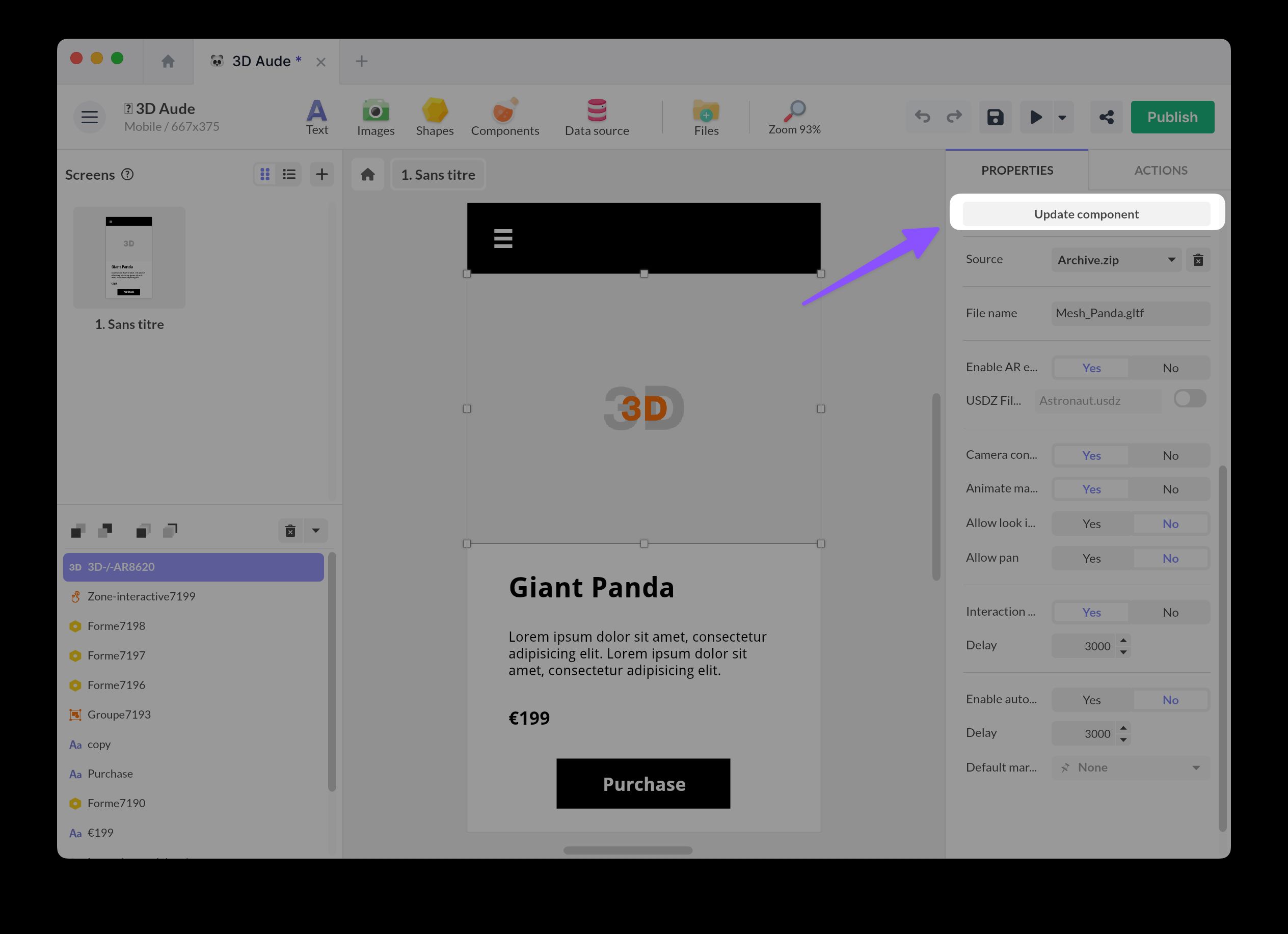
Moreover, some components do not update automatically. If one of these components has already been integrated into a project, an Update the component button will appear. We recommend thoroughly testing your component after this operation.
When a new component is added, the latest version is used.