

SEO
≈ 300 tokens, Approximate size of this page for an AI assistant
To optimize your web app for search engines like Google and Bing, you can define certain SEO elements in the Settings > Web Settings > SEO section of PandaSuite dashboard. You can provide the Title, Description, and Image URL that will be used for your app’s appearance in search results (SERP). The same title, description, and image are also used for the preview shown when the link to your web app is shared, for example on social media. Click Save Changes to apply them.
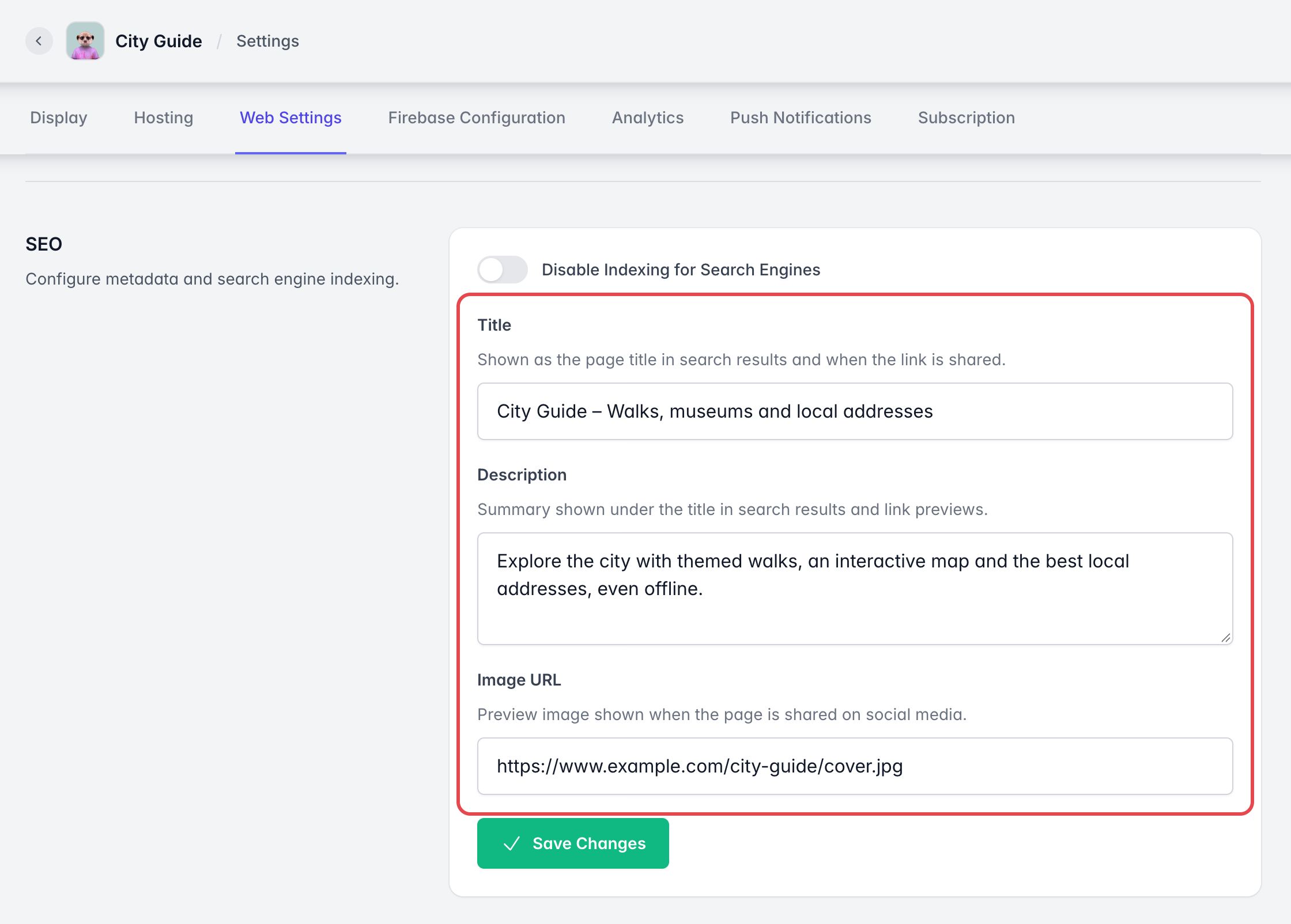
However, it’s important to note that as your application is a Single Page Application (SPA), you won’t be able to set up SEO for each individual page.
To keep your web app out of search engines, turn on Disable Indexing for Search Engines, then click Save Changes.