

Cookie consent banner
Display a cookie consent banner for your users if you collect data.
The GDPR regulation requires obtaining user consent regarding cookies. If you collect data by connecting an analytics tool, it is imperative that your app includes a consent banner.
This banner is only available for the web. Its text follows the language of the user’s browser.
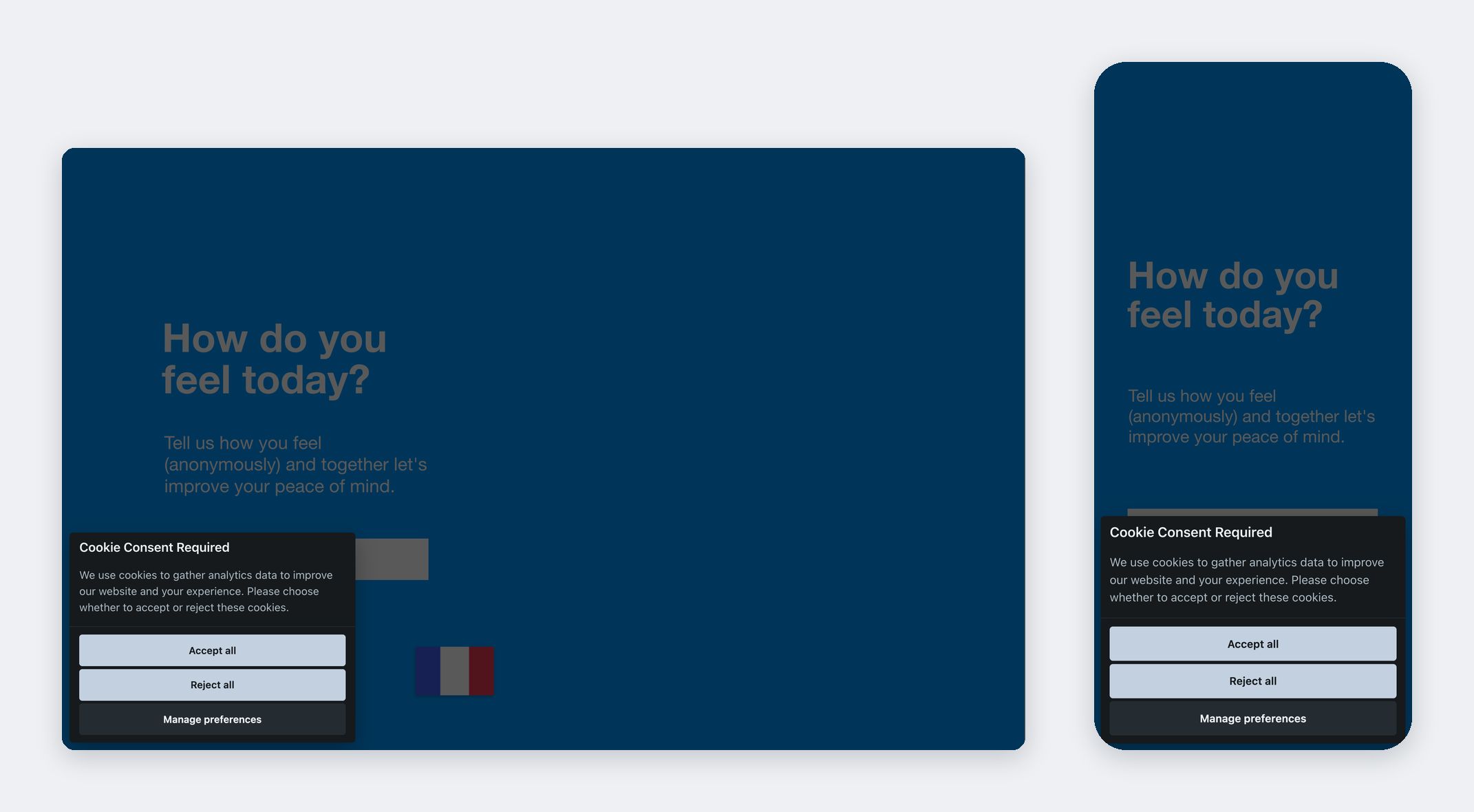
Display a cookie consent banner
Here is how to activate the consent banner:
- Go to your dashboard, tab Apps and select your application
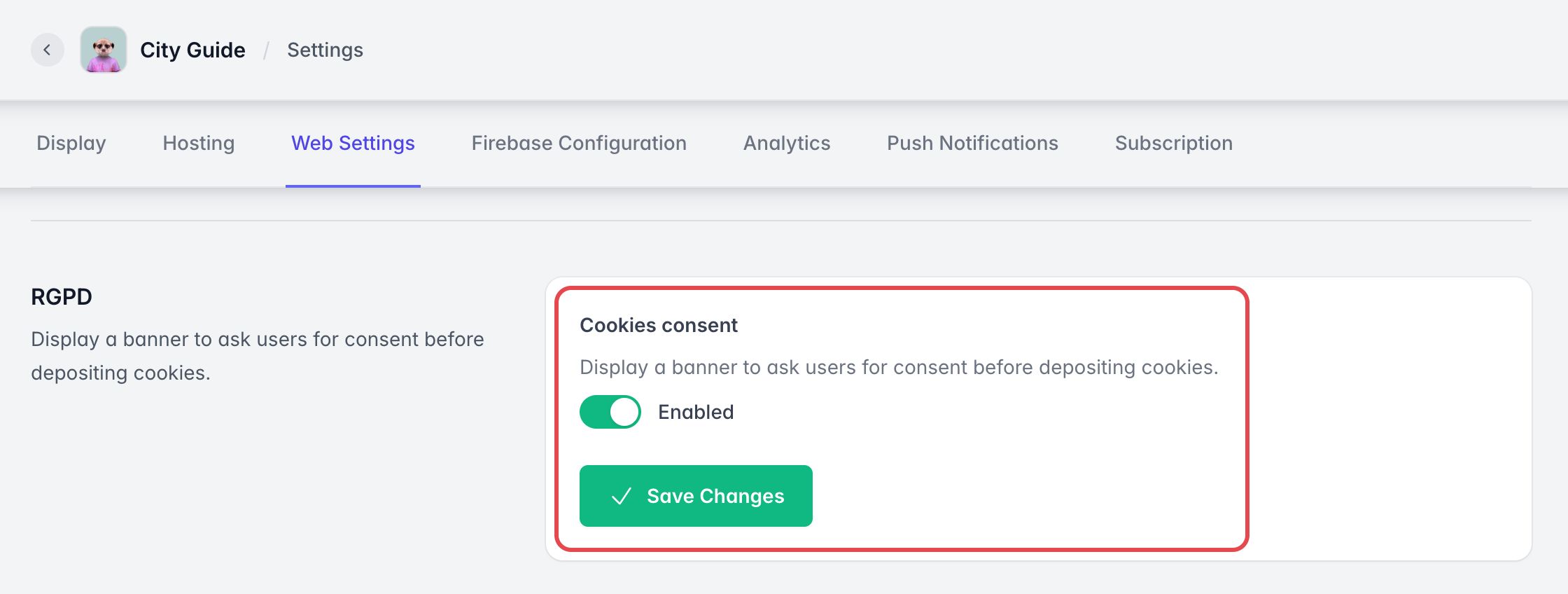
- Go to Settings > Web Settings
- Scroll to the RGPD section (the French acronym for GDPR)
- Enable Cookies consent and click Save Changes.
This banner only displays once.