
Automatically trigger actions
Automatically trigger an action or a sequence of actions without any user involvement.
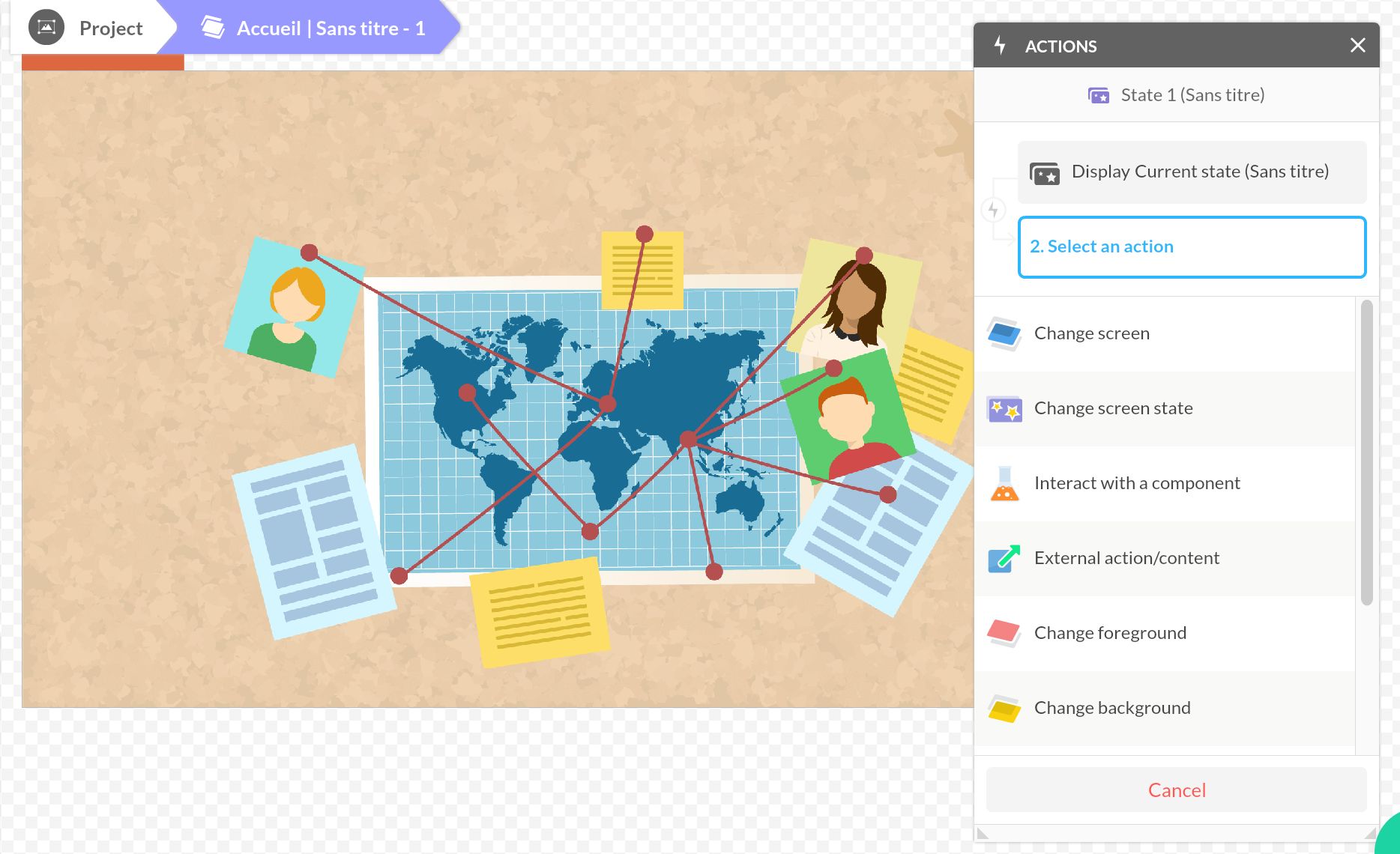
Some actions don’t require user input: playing an animation when a screen opens, initializing data on launch, showing a welcome message… For these cases, PandaSuite provides two dedicated triggers: Current Screen Display and Current State Display.
Set up an automatic trigger
- Go to your target screen or state and do not select any object.
- Open the Actions window and click + Add.
- Choose the Current Screen Display or Current State Display trigger.
- Define your action.
The Current Screen Display trigger fires when the first state of the screen is shown (the first one in the list by default). The Current State Display trigger fires each time that state becomes active.
Practical example: run an action only on the first visit
A common use case is detecting the very first time a user opens a screen — for example, to show a welcome message or an onboarding overlay that should never repeat.
- Create a Boolean variable (e.g.
first_time) in the Datastore with no default value. - Add a Condition component that checks whether
first_timeis Unknown or empty. - On the screen, add a Current Screen Display trigger that evaluates this condition.
- When the condition is true (first visit), display the onboarding content and set
first_timetotrueusing Interact with a data source > Datastore > Create/Update Data (Local) with the Set function.
From the second visit onwards, the variable is set, the condition is false, and the onboarding is skipped.
For a full step-by-step guide covering this pattern and progressive content unlocking, see Unlock content progressively.