
QR Code Scanner
Insert a QR code scanner into your application.
The QR code is now a widely used format: it allows you to trigger a web address, a phone number, phone numbers… from a series of black and white pixels. It is a more convenient and efficient way to share information on a mobile device. Many online services allow you to create a QR code for free.
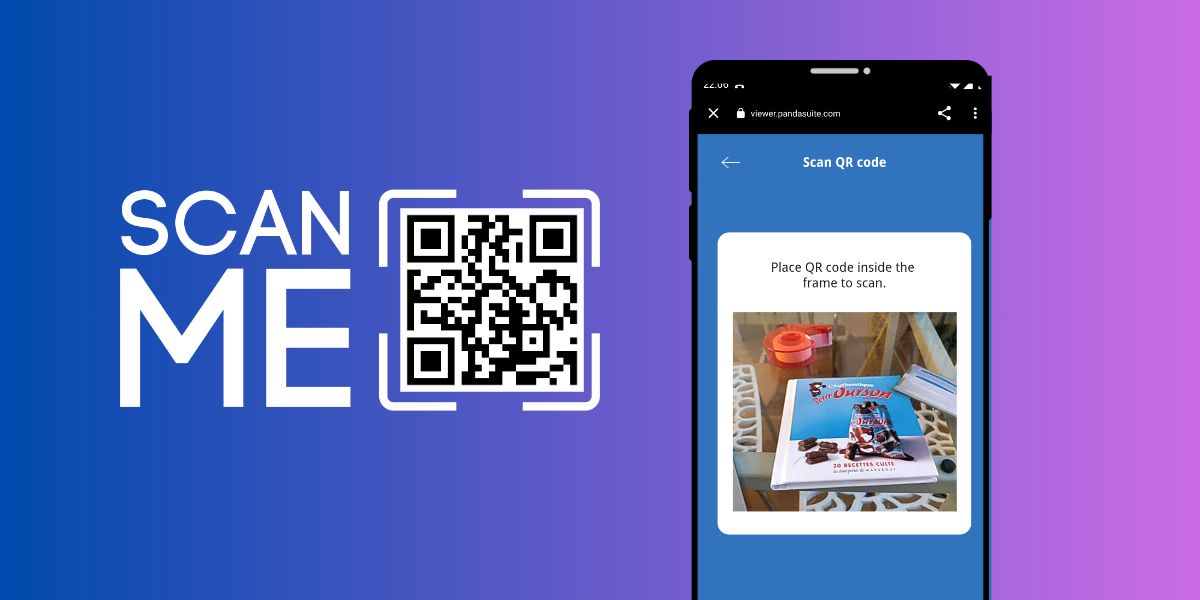
The QR code scanner component is currently available on demand and only compatible with web apps.
If you want to generate and display a QR code (instead of scanning one), use QR Code Generator.
Insert the QR Code Scanner
To insert a QR code scanner, click on Components and choose QR Reader.
Place the visible area of the component in your interface: this is where your camera is displayed.
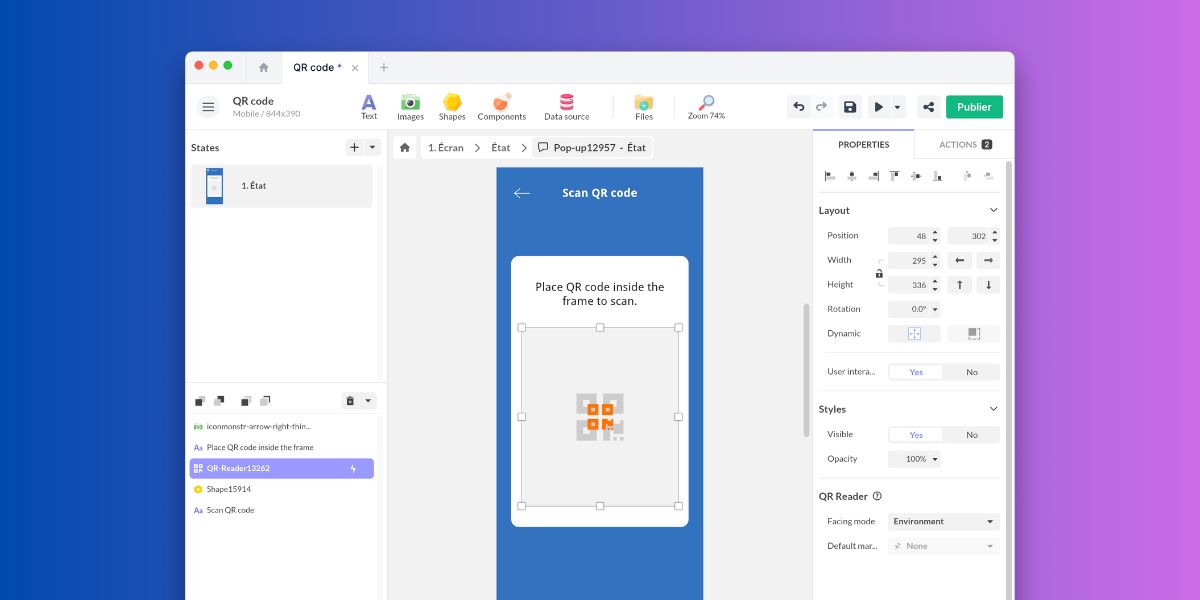
In the component properties, you have the choice of camera orientation: User or Environment.
Open a URL from a QR Code
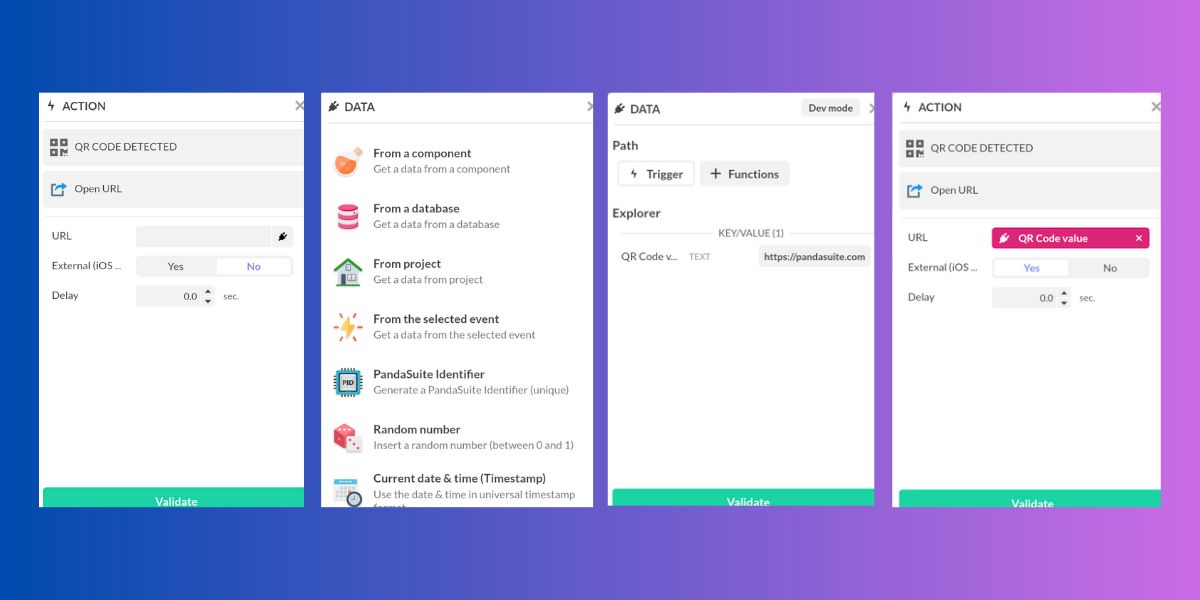
The QR code component has only one trigger: QR code detected.
To open a URL from a QR code:
- Select this trigger
- Choose the action Open a URL.
- In the URL field, add a data binding
- Choose From selected event
- Select the QR code value
- Validate.
QR Code Scanner
Add this template to your account in just a few clicks. Edit and customize it freely.
→ Add this template to your account